








Shopify powers millions of legitimate businesses — and that scale makes it an attractive target for scammers. Fake Shopify stores impersonating real brands are a growing problem, with fraudsters creating lookalike storefronts to siphon your customers, sell counterfeit goods under your name, and harvest sensitive payment information.
By the time most brands find out a fake store exists, real customers have already been deceived — and the reputational damage has already begun.
This guide covers everything brands need to know: how scam Shopify stores work, what they look like in practice, how to detect them before your customers do, and exactly how to report them to Shopify to get them taken down.
TL;DR
- Fake Shopify stores impersonate legitimate brands to deceive customers, sell counterfeit goods, and divert revenue — often using stolen logos, product images, and brand copy.
- Common warning signs include suspiciously low prices, poor site design, missing contact information, unauthorized use of your product images, and random-looking domain names.
- Many scam stores deliberately avoid indexing and instead drive traffic through social media ads — check Meta’s Ad Library for infringing ads pointing to suspicious stores.
- To report a store, go to Shopify’s report a merchant page, select the relevant violation type — Trademark Infringement, Copyright Infringement, or AUP violation — submit evidence, and sign electronically.
- After submission, Shopify will acknowledge the report, investigate, and — if infringement is confirmed — remove the listings or shut down the store.
- For copyright infringement specifically, see our guide to Shopify copyright infringement; for trademark infringement, see our guide to Shopify trademark infringement.
- Taking down infringing ads is often faster than taking down the store itself and cuts off the traffic source in the meantime.
Why fake Shopify stores are a serious brand threat
Shopify has revolutionized ecommerce, giving brands of all sizes a powerful and accessible platform to sell online. But that same accessibility benefits bad actors.
Among Shopify’s millions of merchants are thousands of fraudulent stores designed specifically to exploit legitimate brands — and the methods they use are becoming more sophisticated by the year.
The impact on your brand is threefold.
Revenue loss. Every sale a customer makes on a fake store is a sale stolen from your real one. The scammer collects the payment; your brand gets nothing — except potentially the customer’s anger when their order never arrives or the product turns out to be counterfeit.
Reputational damage. Customers duped by a fake Shopify store often don’t realize they weren’t on the real brand’s website. When they receive a low-quality knockoff — or nothing at all — the frustration gets directed at your brand, not the scammer. Negative reviews, chargeback disputes, and social media complaints follow your legitimate business even though you had nothing to do with the transaction. Some customers may report your real store in error.
Data and safety risks. Fake stores collect sensitive information — credit card numbers, home addresses, email addresses — from customers who believe they’re making a legitimate purchase. In the case of counterfeit cosmetics, electronics, or pharmaceuticals, the physical safety risks to those customers are real and serious.
Shopify explicitly prohibits counterfeit goods and IP infringement under its Acceptable Use Policy, and supports brand owners in reporting violations. But the platform’s scale means new infringing stores appear constantly — making detection and fast reporting essential.
How to spot a fake Shopify store: 7 warning signs
Identifying a fraudulent store is the necessary first step before reporting it. Bad actors have become skilled at creating listings that superficially resemble the real thing, but there are reliable indicators to look for.
1. Domain name impersonation
Scammers register domains that closely mimic your brand name — often by adding a country, such as “brand-france.com,” inserting common words like “buy,” “official,” or “store,” or substituting letters from other alphabets that look nearly identical to the Latin alphabet.
Some use completely unrelated domain names, which makes them harder to detect through simple searches. Notably, many fake stores deliberately avoid indexing to stay off search radar.
For more information on how to protect domain assets, see our guide on how to protect a domain name.
2. Suspiciously low prices
If a store is selling your products at a fraction of your retail price, that’s a strong signal. Counterfeiters skip the production costs of genuine goods — so prices that seem too good to be true almost always are.
3. Poor site design and grammar
Scam stores typically don’t invest in professional web design or copywriting. Expect poorly structured layouts, inconsistent branding, and grammatical errors throughout — quality that wouldn’t be accepted on a legitimate brand’s website.
4. Unauthorized or stock product images
If images have been lifted directly from your official website or from stock photo libraries, the store is not authorized to sell your products. Fake stores rarely invest in original product photography because they’re not selling real products.
5. Missing or evasive contact information
Legitimate stores make it easy to get in touch. Fake stores deliberately obscure their contact details to avoid accountability when customers seek refunds or support.
6. Suspicious or absent customer reviews
Look for patterns: no reviews at all, which may indicate a new scam store, or reviews that are generic, suspiciously positive, or flagging inauthenticity. Real customers who have been defrauded often leave detailed negative feedback.
You can also check external review sources, including Red Points reviews, to understand how other brands approach recurring impersonation and ecommerce fraud problems.
7. Social media ads pointing to unindexed stores
One of the most important detection methods brands miss: many scam Shopify stores deliberately avoid indexing so they won’t appear in web searches. Instead, they drive traffic through paid social media ads.
Search Meta’s Ad Library using your brand name and related keywords to surface ads pointing to stores you don’t recognize. Taking down a scam ad is often faster than getting the store removed, and it cuts off the traffic source in the meantime — making it a useful first action even while a formal report is being processed.
For a broader process, see our complete guide to reporting fake ads.
A real example
One documented case involved a multi-brand Shopify store selling counterfeit Burberry joggers at a fraction of the authentic price.
The listing had only a single product image, with no modeled photography unlike the genuine Burberry website, an incomplete product description, an incorrect product title, and a random, unrelated domain name — all classic indicators of a fraudulent store.
What Shopify’s policies say
Shopify’s Acceptable Use Policy explicitly prohibits the sale of counterfeit goods and any items that infringe on intellectual property rights, including trademarks, copyrights, and patents.
The platform has dedicated resources to handle brand protection reports and structured reporting processes that vary depending on the nature of the infringement:
- Trademark infringement — covered under Shopify’s trademark reporting process
- Copyright infringement — covered under Shopify’s DMCA-compliant copyright reporting process
For further information, see our full Shopify DMCA and trademark reporting guide - General AUP violations — counterfeit goods, fraud, and other non-IP violations fall under Shopify’s broader Acceptable Use Policy and can be reported via the general merchant reporting form
For most brand impersonation cases, trademark infringement is the primary applicable violation — the fake store is using your brand name and visual identity to pass itself off as you.
Copyright infringement applies when your specific creative content, such as product images, written descriptions, or logo as an artistic work, has been reproduced. Often, both apply simultaneously.
For brands that need to monitor these violations continuously, Red Points offers trademark monitoring software and copyright infringement protection to detect and enforce against misuse across digital channels.
How to report a fake Shopify store: step by step
Step 1: Gather your evidence
Before filing anything, document the infringement thoroughly. This strengthens your report and speeds up Shopify’s review process.
Capture screenshots of the infringing store’s homepage, product pages, and any pages where your brand assets are used without authorization. Record the full URLs of each page you’re reporting.
If you have documentation of your IP ownership — trademark registrations, copyright records, official product images — gather those too, as you may be asked to provide them.
Note the date and time of each screenshot in case Shopify needs to verify the infringement was active.
If you’ve found social media ads pointing to the store, capture those separately and consider reporting them to the platform directly at the same time.
Step 2: Go to Shopify’s reporting page
Navigate to Shopify’s Report a Merchant page. Shopify provides a structured interface for different violation types.
You do not need a Shopify account to file a report as a brand owner — the process is open to any rights holder.
Step 3: Select the violation type and fill out the form
Choose the violation category that best fits your situation. For brand impersonation and counterfeiting, this is typically Trademark Infringement.
If the store has reproduced your copyrighted content, such as images or product copy, select Copyright Infringement — or use both forms if both apply.
For general fraud or AUP violations not covered by IP law, select the appropriate AUP category.
Complete the form with your contact details, your company name, and a description of the infringement. Be as specific as possible: which brand assets are being misused, in what way, and on which specific URLs.
Vague reports are harder for Shopify to act on. Attach or link to the evidence you gathered in Step 1.
Step 4: Sign and submit
Sign the report with your electronic signature and submit. You’ll receive a confirmation email acknowledging receipt.
What happens after you report
Shopify’s review process follows a predictable sequence:
Acknowledgment. Within a short window of submitting, you’ll receive an email confirming Shopify has received your report and the review has begun.
Investigation. Shopify investigates the claim. Depending on the complexity of the case, they may contact you for additional evidence or clarification. Providing detailed, well-documented reports from the outset reduces the chances of back-and-forth delays.
Action. If Shopify confirms the infringement, they will take action — either removing the infringing listings, restricting the store’s ability to operate, or shutting it down entirely. The severity of the action depends on the nature and scale of the violation.
Follow-up. You’ll receive communication about the outcome. If you’re not satisfied with the resolution or the store returns under a new domain, you can escalate and file again.
Note that Shopify’s review timelines vary. If a fake store is driving significant harm in the interim — particularly if you’ve identified paid ads driving traffic to it — reporting and taking down those ads on Meta or wherever they’re running is a fast parallel action that can reduce damage while the store report is being processed.
How Red Points helps brands protect against fake Shopify stores
Manual monitoring only catches what you can see. Scam Shopify stores that avoid indexing, run for short periods, or operate under disguised domains are easy to miss if you’re relying on periodic searches. And even when you do find them, filing individual reports takes time your team may not have.
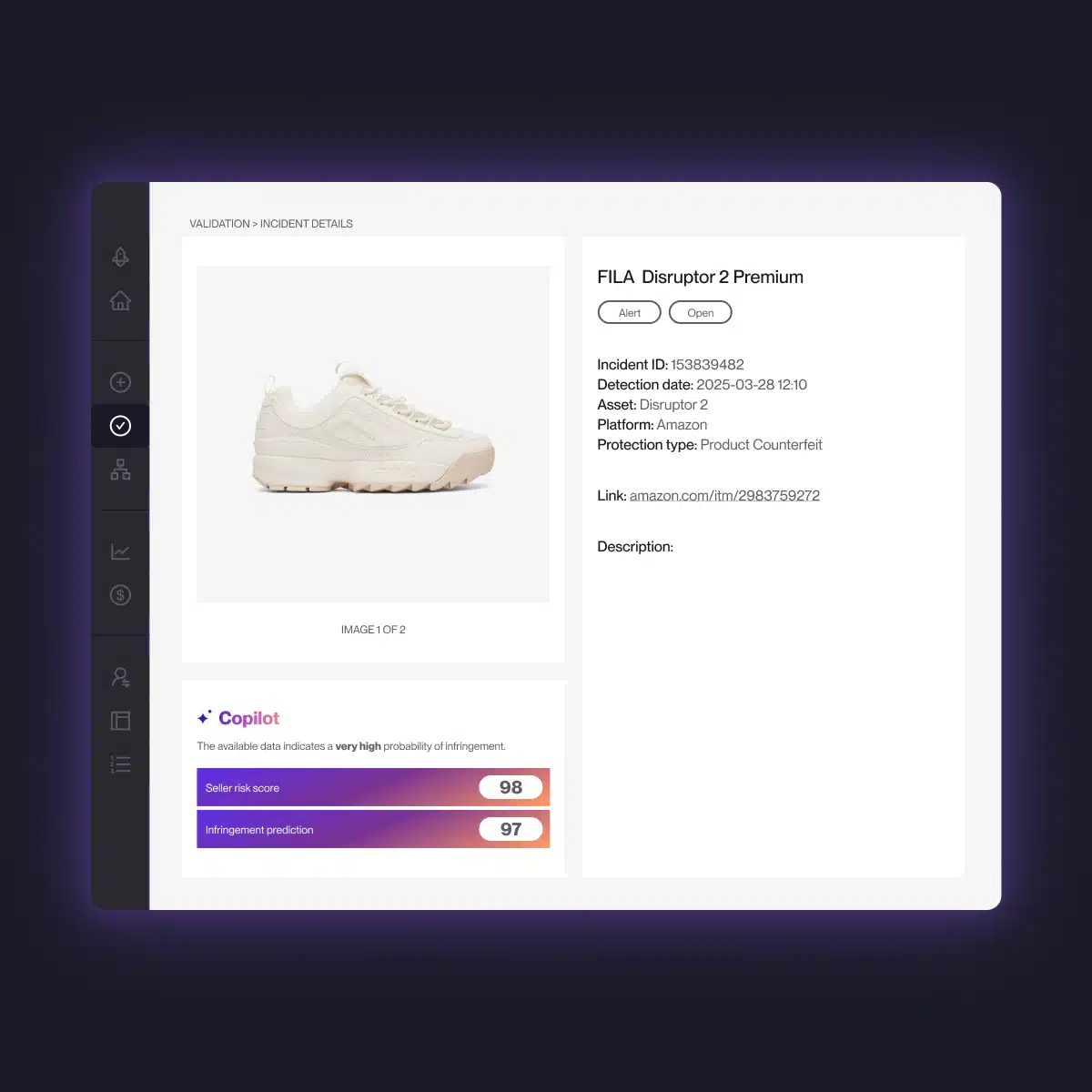
Red Points’ Domain Takedown service was built to address this at scale. The service continuously monitors the web — including Shopify stores and the ads pointing to them — for unauthorized use of your brand, flagging potential infringements for review around the clock.
Once confirmed, Red Points handles the takedown process directly: submitting reports, following up, and ensuring removals are completed. You stay informed through performance dashboards and reporting that shows exactly what’s been detected and actioned.
Teams can stay as hands-on or hands-off as they choose — Red Points’ specialists manage the full enforcement cycle for brands that want it. Source: G2 reviews.
Red Points processes 4.6M+ enforcements per year across digital channels including fake websites, domains, and social media impersonation.
For brands dealing with brand impersonation across multiple channels — fake Shopify stores, fraudulent social media accounts, spoof websites on other hosting platforms, and unauthorized marketplace listings — Red Points’ Impersonation Removal solution extends the same automated approach across all fronts simultaneously, rather than requiring you to manage each channel separately.
What’s next
Fake Shopify stores are not a problem that resolves itself. Scammers iterate fast — when one store is taken down, another often appears under a different domain. Staying ahead of them requires consistent monitoring, quick reporting, and ideally an automated layer that covers the full web rather than just what you happen to find manually.
Start by searching for your brand in Meta’s Ad Library and running a direct search for your brand name plus common modifiers, such as “buy [brand],” “[brand] store,” and “[brand] official,” to identify stores you don’t recognize. Report anything suspicious via Shopify’s merchant reporting page, and use the parallel levers — ad takedowns, DMCA notices, and Google de-indexing requests — to limit damage while reports are being reviewed.
Frequently asked questions
Start with a Google search of your brand name plus modifiers like “buy,” “official,” “store,” or country names. Check Meta’s Ad Library for ads using your brand name — many fake stores deliberately avoid indexing and rely solely on paid social traffic.
Reverse image search your product images to find unauthorized uses. For systematic, continuous detection, automated monitoring tools like Red Points scan the web around the clock.
It depends on what’s being misused. If the store is using your brand name, logo, or other brand identifiers to impersonate you, that’s trademark infringement. If the store has copied your specific creative content — product photography, written descriptions, visual designs — that’s copyright infringement.
In many impersonation cases, both apply, and you can submit both forms.
Shopify doesn’t publish fixed timelines. Review speed depends on the nature of the infringement and the quality of the evidence submitted.
Thorough, well-documented reports tend to move faster. You’ll receive acknowledgment quickly after submission; the investigation and resolution phase is what varies.
Yes. Shopify’s reporting process is open to brand owners regardless of whether they have a Shopify store themselves. You’ll need to provide your contact information and evidence of your IP ownership, but you don’t need a Shopify account to file a report.
This is a common pattern. When one store is removed, scammers frequently relaunch under a new domain.
The most effective long-term protection is continuous monitoring that automatically detects new stores as they appear — rather than relying on one-off manual searches. Red Points’ Domain Takedown service is designed specifically for this recurring enforcement problem.
Yes, and it’s often worth doing this first or simultaneously. Reporting the ads on Meta or other platforms removes the traffic source quickly, which limits the number of customers who reach the fake store while Shopify’s review is in progress.
Use Meta’s ad reporting tools to flag fraudulent ads, and refer to our guide on how to report fake websites for additional parallel steps.
Shopify’s Acceptable Use Policy explicitly prohibits the sale of counterfeit goods and any items that infringe on trademark, copyright, or patent rights. Violations can result in listing removal, account suspension, or permanent store termination depending on severity.
Yes. Depending on the severity of the infringement and the jurisdiction of the operator, you may also be able to send a cease and desist letter to the store owner directly, submit a DMCA takedown notice for copyright-infringing content, request Google de-indexing of the infringing URLs from search results, and in serious cases, pursue legal action.
Our guide on how to legally take down a website covers the full legal process across all these channels.
At minimum: your contact information, evidence of trademark ownership, the full URLs of the infringing store and specific pages, screenshots showing the unauthorized use, and a signed legal affirmation confirming accuracy.
Where possible, include your trademark registration number, jurisdiction, and certificate. The more specific and documented your submission, the faster Shopify’s review tends to move.
Yes. When a store is taken down and relaunches under a new domain, treat it as a new report — document the new URL, gather fresh screenshots, and file again.
If you’re dealing with a persistent repeat offender, note the pattern in your submission to give Shopify context about the recurring behavior.