In the lead-up to Black Friday 2021, customers began contacting Cotopaxi about discounts of up to 80%. Some wanted to know whether the company was going out of business. Others had already placed orders and wanted to know why nothing had arrived.
Cotopaxi found 14 websites copying its store, product imagery, and branding. The domains combined its name with terms such as “outlet,” “shop,” and “club,” making them look like legitimate regional or promotional sites.
This is how many brands first discover a fake website: through a customer who has already trusted it.
A fake site may copy the brand’s entire storefront, promote counterfeit products, collect payments without shipping anything, or steal account and card details. Some are visible in search results. Others only appear through a particular advertisement, device, or location.
This guide explains how brands can identify these websites, preserve the evidence, uncover connected assets, and decide when manual monitoring is no longer enough.
TL;DR
- Fake websites can copy a brand’s domain, store design, product imagery, contact information, and checkout process closely enough to mislead genuine customers.
- Red Points platform data shows that detections of fake and impersonating websites increased 103% from 2024 to 2025. Red Points estimates they will rise a further 150% year over year in 2026.
- Do not rely on one warning sign. Review the domain, copied assets, pricing, checkout behavior, traffic sources, contact details, and links to other sites or profiles together.
- HTTPS does not prove that a website or business is legitimate. It only means the connection between the visitor and the site is encrypted.
- Check suspicious sites from different devices and locations. Some only display infringing content on mobile, through an advertising link, or to visitors in a particular country.
- Preserve the exact URL, including tracking parameters, alongside screenshots, screen recordings, ads, payment details, and the device and location used.
- Repeat activity requires continuous monitoring. A removed site may return with another domain while reusing the same images, templates, advertisements, or payment infrastructure.
What is a fake website?
A fake website is a site created to mislead visitors about who operates it, what it sells, or what will happen after they interact with it.
Several terms are often used interchangeably, but they describe different types of conduct.
| Type of website | What it does |
| Brand impersonation website | Copies a company’s identity to appear official or authorized |
| Counterfeit store | Uses trademarks and product imagery to sell fake goods as genuine |
| Scam shopping site | Takes payment for products that do not exist or will never be delivered |
| Phishing website | Copies a login, support, or checkout page to steal credentials or financial data |
| Lookalike-domain site | Uses a domain chosen to resemble the brand’s official web address |
| Malicious website | Distributes malware, harmful downloads, or deceptive redirects |
| Multi-brand fake store | Imitates several brands within one unauthorized storefront |
One website can fall into several categories. An impersonating outlet store may copy a brand’s website, sell counterfeit products, and collect card details through a fraudulent checkout.
The distinction matters because the evidence and reporting route may differ. A copied photograph can support a copyright complaint. A misleading brand name may support a trademark complaint. A fake login page may qualify as phishing or other technical abuse.
How quickly are fake websites increasing?
Based on internal Red Points platform data, detections of fake and impersonating websites increased by 103% between 2024 and 2025.
Red Points estimates that detections will increase by a further 150% year over year in 2026.
These figures reflect websites and domains detected across Red Points’ client base. They do not represent every fake website operating globally.
Several changes are making it easier to launch and replace these sites:
- Website templates allow storefronts to be reproduced quickly.
- Generative AI can create product descriptions, customer reviews, translations, and promotional copy.
- Official product images can be copied and modified with little effort.
- Fraudulent operators can prepare several domains and activate them one after another.
- Paid advertisements and social posts can send shoppers to sites that are not easily found through normal searches.
- Hosting, domain, and payment services can be changed when one part of the operation is disrupted.
Red Points is also seeing a shift from fake stores that ship counterfeit goods toward sites that collect money or personal information without sending any product.
For brands, that changes the risk. The problem may involve counterfeit sales, but it may also include financial fraud, identity theft, phishing, and customers who believe the official brand took their money.
Why do customers trust fake websites?
A fake site does not need to look careless or unfinished.
The 2025 Counterfeit Buyer Teardown surveyed 2,000 US consumers who had purchased counterfeit products. Including respondents who had bought fakes both intentionally and unintentionally, 61% had been deceived at least once.
Professional appearance was one of the main reasons shoppers trusted a fake site. Familiar product photography, detailed descriptions, polished design, and recognizable branding made the experience feel legitimate.
Pricing also mattered. Red Points data found that fake listings were commonly discounted by around 31%. That is enough to look attractive without necessarily appearing impossible.
Another 39% of respondents said familiar payment methods, such as credit cards or PayPal, made a site feel safer. The presence of a payment logo does not prove that the merchant is legitimate or that the displayed payment method is being used as claimed.
Fake websites often borrow the same elements that help an official store convert:
- Brand photography
- Product reviews
- Size and stock information
- Returns policies
- Customer-service pages
- Secure-checkout language
- Countdown timers
- Local currency and delivery details
- Social media links
The result is a site that feels familiar before the shopper has checked who operates it.
Where do customers encounter fake websites?
Visitors do not always reach a fake site by typing its address directly.
In the Counterfeit Buyer Teardown research, social media profiles and posts were the leading route to fake websites across the full sample. Search engines were second, followed by advertising.
For fashion shoppers, search engines were the leading route.
Fake websites may receive traffic through:
- Search results for a brand, product, outlet, or discount
- Paid search or social media ads
- Fake social profiles
- Influencer or affiliate-style posts
- Promotional emails
- SMS and messaging apps
- QR codes
- Online reviews
- AI-powered shopping and product-discovery tools
This is why domain monitoring alone does not always reveal the whole campaign.
A suspicious domain may be connected to several ads, social accounts, and landing pages. The advertisement can also contain the only link that reveals the fraudulent version of the website.
Brand, ecommerce, social, and paid-media teams should share these signals rather than investigate them separately.
How can brands identify a fake website?
No single signal proves that a website is fraudulent. The strongest assessment combines information about the domain, content, commercial activity, traffic sources, and related infrastructure.
Check the domain carefully
Look for:
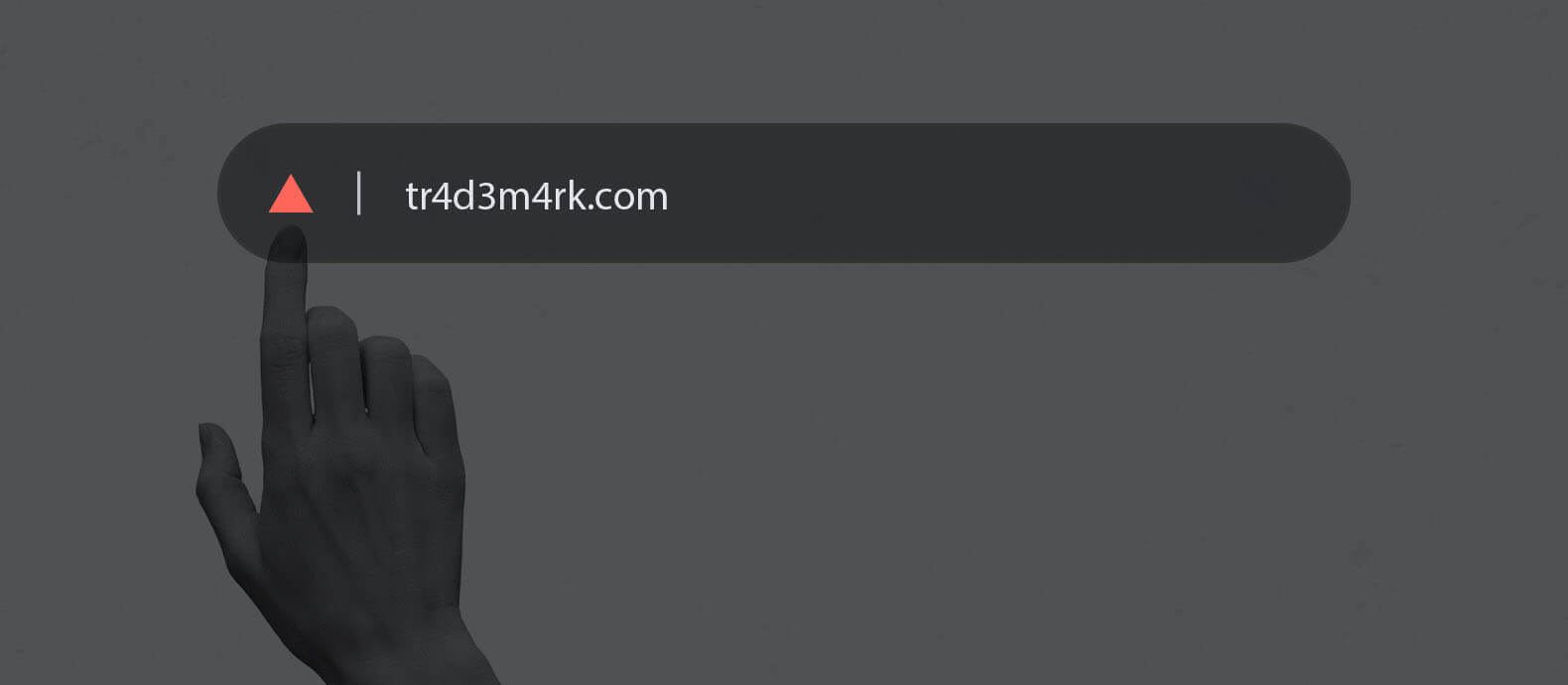
- Letters replaced with similar numbers or characters
- Extra hyphens or punctuation
- Misspellings
- Added words such as “shop,” “sale,” “outlet,” “support,” or a country name
- An unfamiliar domain extension
- A country-specific domain the brand does not use
- A recently registered domain
- Domains that redirect visitors elsewhere
Some operators do not use an obvious lookalike address. Cotopaxi also found sites with apparently random domain names that reproduced its store almost exactly.
The domain is therefore one signal, not the full test.
Compare it against:
- The company’s official website
- Its approved country and regional domains
- Authorized retailers
- Registered and defensively held domains
- Previously reported sites
Compare the content with the official website
Fake websites commonly copy:
- Logos
- Product images
- Descriptions
- Navigation menus
- Promotional banners
- Returns policies
- Contact pages
- Legal notices
- Customer reviews
Check whether the same spelling mistakes, image crops, file names, or outdated campaign material appear across more than one suspicious site.
A reverse image search can help identify where official photographs are being reused. Image matching is also useful when the logo has been removed, the image has been mirrored, or new text has been added.
Pay attention to material the operator may have overlooked. A cloned site may copy the homepage accurately but show another company name in its privacy policy, returns page, or checkout.
Review the pricing and stock claims
Price can support an assessment, but it should not be treated as proof.
Look for:
- Discounts the brand would not normally offer
- Every product and size showing as available
- Large quantities of discontinued or limited products
- Identical discounts across the entire catalogue
- Stock levels inconsistent with the official store
- Urgency messages that reset when the page reloads
A moderate discount can still be suspicious. Red Points’ consumer research found that fake listings were commonly discounted by around 31%, rather than always relying on extreme markdowns.
Compare the site with current brand promotions, distributor rules, recommended retail pricing, and known inventory.
Test the checkout without submitting real information
Review how the site handles:
- Cart and checkout pages
- Currency
- Shipping options
- Taxes
- Merchant details
- Payment-provider redirects
- Order confirmation pages
- Contact information
- Returns and cancellation terms
Do not enter real card details, login credentials, or personal documents.
A site may be incomplete when first detected. Cotopaxi found some copycat websites before their checkout pages were functional. Detecting those sites early gave the brand an opportunity to act before customers could complete transactions.
Find out how traffic reaches the site
Search for the domain across:
- Search engines
- Social platforms
- Ad libraries
- Email messages
- Messaging apps
- Affiliate pages
- Review sites
Preserve the advertisement or post that leads to the website.
The ad may use a different brand name from the landing page. Several ads may also point to the same domain. Conversely, one campaign may rotate through several domains while keeping the same creative, advertiser account, or tracking parameters.
Reporting both the ad and the destination site can reduce exposure faster than treating them as unrelated incidents.
Review public contact and company information
Check:
- Email addresses
- Phone numbers
- Messaging handles
- Business names
- Physical addresses
- Company-registration claims
- Social media profiles
- Support pages
- Payment details
Compare them with the official brand and authorized partners.
Search the same details online. A telephone number, email address, or messaging handle may link the website to other fake stores.
Addresses can also be copied from legitimate companies. The existence of a real address does not prove that the operator has any connection to it.
Look for connections with other websites
Record repeated:
- Product images
- Page layouts
- Contact details
- Analytics identifiers
- Payment accounts
- Terms and conditions
- Hosting providers
- Nameservers
- Advertisements
- Social profiles
- Domain patterns
These signals can reveal that several apparently separate sites belong to the same operation.
This matters when planning enforcement. Removing one domain may have limited impact if the operator has already prepared several replacements.
How to tell if a website is fake: 8 checks for customers and teams
A brand’s customers will often encounter the website before its legal, security, or ecommerce team does.
The following checks can help them avoid obvious impersonation attempts:
- Open the brand’s official website independently. Do not rely only on the link in an ad, email, or message.
- Compare the domain character by character. Look for added words, substitutions, and unfamiliar extensions.
- Check the brand’s official retailer list. An unfamiliar store may be legitimate, but it should be verified.
- Search the domain and company name. Look for reports of non-delivery, suspicious charges, or impersonation.
- Compare the contact and returns information. Confirm whether it matches an official or authorized business.
- Treat unexpected discounts cautiously. A believable discount can be as effective as an extreme one.
- Do not treat HTTPS as proof of legitimacy. HTTPS encrypts the connection. It does not verify that the merchant is genuine.
- Contact the brand through an official channel. The customer should use contact information from the verified brand website, not the suspicious site.
A website can look professional, accept familiar payment methods, and use HTTPS while still being fraudulent.
How do fake websites hide from detection?
Some of the most damaging sites are designed to show different content depending on how they are opened.
Mobile-only impersonation
The domain shows a harmless page on desktop but displays the fake store on a mobile device.
In one case observed by Red Points, desktop visitors saw an artificial-tree website. Mobile visitors saw a page using the branding of a well-known sports company and retailer.
This can delay enforcement if the reviewer only checks the website from a desktop.
Brands should open suspicious links on both mobile and desktop and record the difference.
Tracking-link cloaking
The fraudulent content only loads when the visitor arrives through a particular advertisement, email, or tracked link.
Opening the domain directly may produce a blank page, harmless content, or a redirect.
The full URL matters in these cases. Removing the tracking parameters before sending the evidence may prevent the provider from seeing the reported content.
Geo-restricted content
The website displays the fake store only to visitors in a selected country, city, or IP range.
Someone reviewing the complaint from another market may see unrelated or empty content.
Record:
- The country and location used
- Whether a VPN or proxy was required
- The language and currency shown
- Screenshots from more than one location where possible
Time-based and campaign-based changes
Some sites activate only during a paid campaign or high-demand period. They may disappear once the advertisement ends and return later.
Holiday campaigns are particularly attractive because discounts and urgent delivery messages are expected.
Keep monitoring the domain even if it appears inactive after the initial report.
What evidence should brands preserve?
Evidence should allow another person to reproduce what you saw.
| Evidence | What to record |
| Website address | Full domain and exact page URLs |
| Tracking link | Complete URL, including query parameters |
| Visual evidence | Full-page screenshots and screen recordings |
| Device | Mobile or desktop, browser, and operating system |
| Location | Country or region from which the content appeared |
| Timing | Date and time of capture |
| Brand use | Logos, trademarks, product images, and copied text |
| Commercial activity | Prices, stock, checkout, and payment methods |
| Traffic source | Advertisement, social post, email, or search result |
| Contact details | Email addresses, phone numbers, and messaging handles |
| Infrastructure | Registrar, host, CDN, nameservers, and related domains |
| Customer impact | Complaints, order confirmations, and fraudulent charges |
Capture the source advertisement before contacting the operator or reporting the website. Ads and profiles can disappear quickly.
Keep the original files and URLs. Screenshots pasted into a presentation or email may lose details that become important during enforcement.
Where the content changes between devices or locations, create a short screen recording showing how the fraudulent version appears.
What Cotopaxi learned from a fake website attack
Cotopaxi first saw its product imagery being copied and altered in early 2021. The problem escalated before Black Friday, when customers began asking whether discounts of up to 80% were genuine.
The company identified 14 impersonation websites copying its store. Some customers had already ordered products that never arrived.
At the time, Cotopaxi depended heavily on customer reports and manual investigation. It also needed to confirm that suspicious websites were not approved retailers before acting.
The brand developed a more structured process with its customer service, brand, legal, IT, sales, and social teams. It maintained an approved-retailer list, shared suspicious sites internally, tracked reports, and prepared customer communications for periods of increased activity.
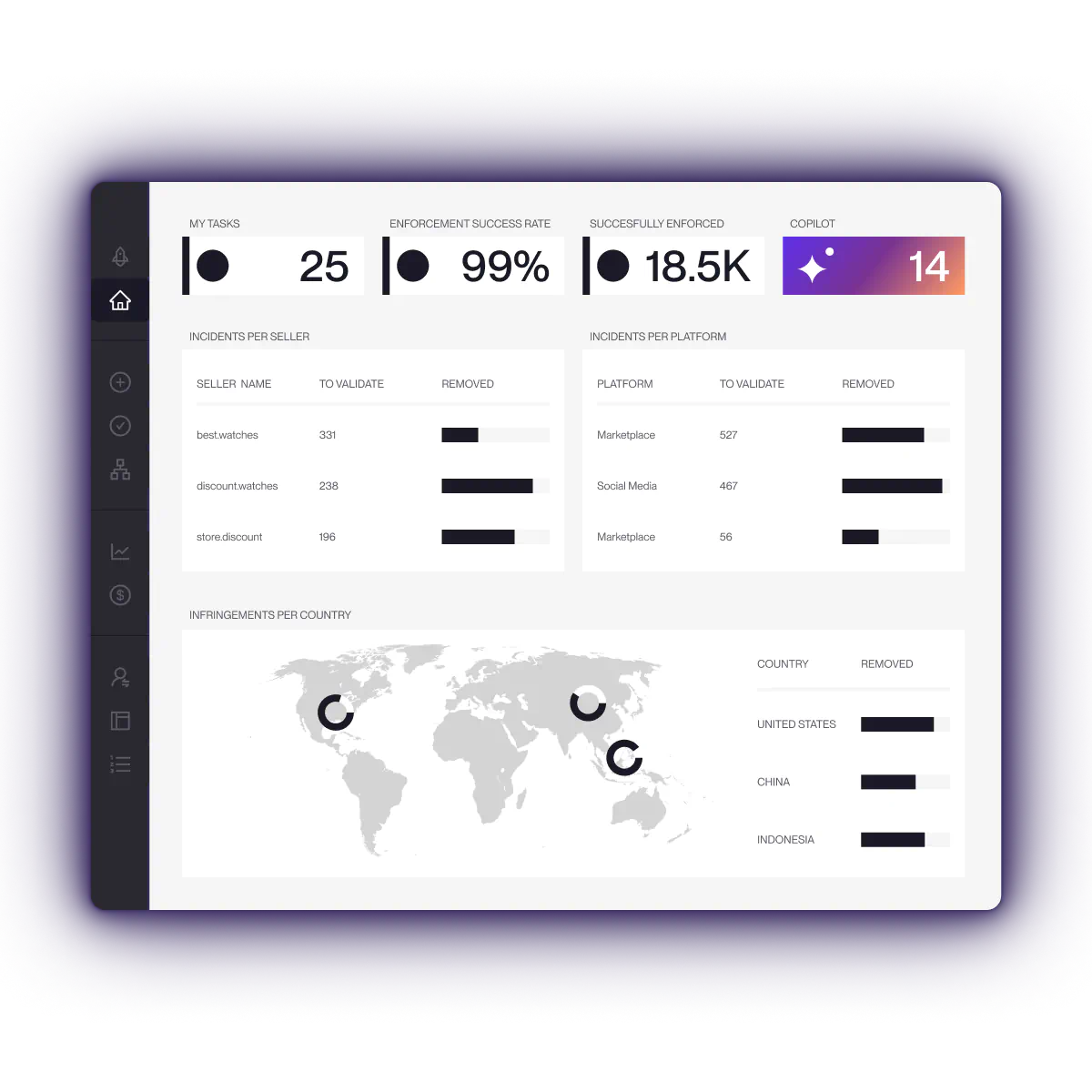
With Red Points, Cotopaxi then expanded its search strategy from 67 to more than 1,700 keywords, covering product names, misspellings, domain variations, and regional terms. Image recognition, domain monitoring, price rules, and stock signals helped identify related threats earlier.
During peak periods, Cotopaxi now detects around 110 fraud sites per month and has reached a 95% automation rate across core workflows.
According to the current Cotopaxi case study, its wider brand protection program has also achieved:
- 4,700+ monthly enforcements
- A 97% enforcement success rate
- More than $13.5 million in fraudulent value prevented over the engagement
- More than 130 hours of manual work saved in one quarter
The operational change mattered as much as the totals. Cotopaxi became less dependent on customers discovering the problem first.
When does manual website monitoring stop working?
Manual searches may be enough when a brand is dealing with one known domain.
They become unreliable when:
- New websites appear faster than teams can review them
- Domains are parked until a campaign begins
- Content is hidden by device, tracking link, or location
- Ads and social profiles are investigated separately
- Several websites reuse the same assets or infrastructure
- The team must contact different hosts, registrars, platforms, and payment providers
- Removed sites return with new domains
- Evidence and previous case history are stored in separate spreadsheets and inboxes
At that stage, the work requires more than periodic searching.
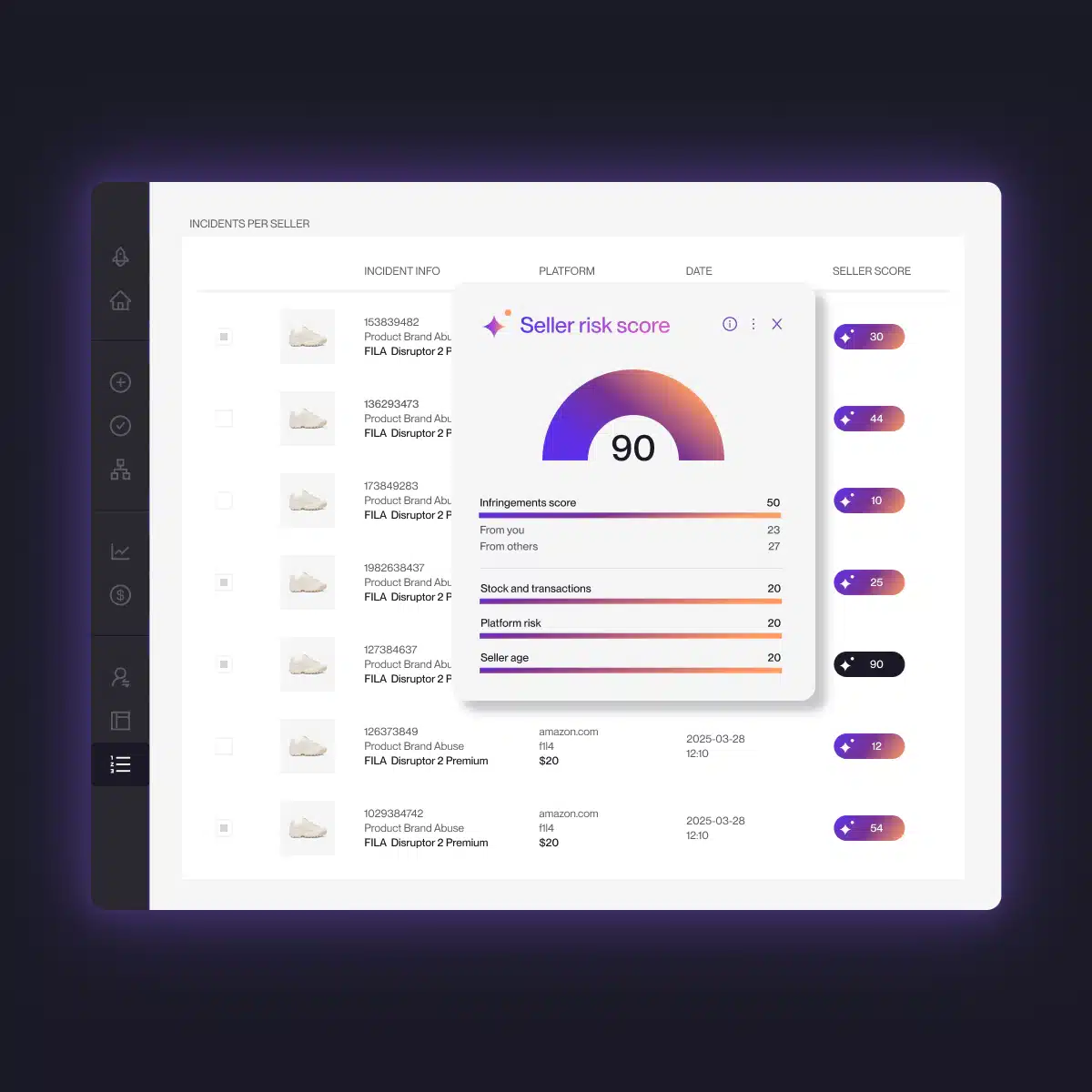
Brands need to monitor domain registrations, websites, search results, advertisements, and social profiles continuously. They also need a way to compare new incidents with previous ones and prioritize the threats most likely to reach customers.
How Red Points identifies fake websites at scale
Red Points’ fully managed AI platform monitors domains, websites, search engines, social media, and advertising channels for impersonation threats.
As of June 2026, Red Points has taken down more than 33,000 domains this year.
Detect suspicious domains and websites
Red Points monitors for:
- Exact and altered trademarks
- Misspelled and lookalike domains
- Country and outlet variations
- Copied product images
- Modified logos
- Website content and HTML signals
- Unindexed and parked domains
- Related advertisements and social profiles
Image recognition helps identify copied brand assets even when they have been cropped, edited, or stripped of visible logos.
Investigate the available signals
A suspicious domain is reviewed alongside its content, contact information, traffic sources, and available infrastructure data.
This helps determine:
- Whether the site is impersonating the brand
- Whether it sells counterfeits or operates as a pure scam
- Which customers or markets it targets
- Whether it is connected to previous incidents
- Which service provider is best placed to act
AI-supported detection is combined with expert review to account for legitimate distributors, fan sites, authorized retailers, and other possible false positives.
Prepare and manage enforcement
Red Points manages enforcement through the appropriate hosts, registrars, website platforms, search engines, advertising platforms, CDNs, and other relevant providers.
Customers retain control over the rules and approvals governing enforcement. Unlimited takedowns allow the program to continue operating during seasonal spikes without restricting action to a fixed number of reports or analyst hours.
Monitor for replacement sites
Removing one site does not guarantee that the operator will stop.
Red Points continues monitoring for reused imagery, domain patterns, contact details, templates, and connected campaigns. The detection and enforcement strategy is updated as new tactics appear.
Red Points reports a 95% success rate on fake website removal.
Learn more about Domain Management and Impersonation Removal.
Request a demo to see how Red Points can help detect and remove fake websites before they reach more customers.
Frequently asked questions
Compare the site with the company’s verified website and official retailer list. Review the domain, copied imagery, contact details, pricing, checkout, payment information, and customer reports together. One unusual feature may have an innocent explanation. Several conflicting or copied elements create a stronger reason for concern.
A fake website is a broad term for a site that misrepresents its identity or purpose. A scam website is designed to obtain money or information through deception. A phishing website specifically imitates a trusted service to steal login credentials, card details, or other sensitive information. A brand impersonation website may also be both a scam and phishing site.
No. HTTPS means the connection between your browser and the website is encrypted. It does not verify that the merchant is legitimate or that the operator is connected to the brand being displayed. Fraudulent sites can obtain HTTPS certificates.
Preserve the exact URLs and evidence before contacting anyone. Record how the site was found, whether its content changes by device or location, and which brand assets it copies. Then identify the companies that control the hosting, domain, advertising, and payment infrastructure. Our guide on how to take down a fake website explains the available reporting and escalation routes.
There is no standard timeframe. Removal depends on the type of abuse, provider, evidence, location, and whether the content is cloaked. An exact copycat may be easier to address than a multi-brand store or a site that only appears through a particular tracking link.
AI can help find suspicious domains, copied images, similar logos, text patterns, and connected assets across large volumes of data. It should be combined with brand-specific rules, context, and expert review. A domain that contains a trademark is not automatically fraudulent, and copied-looking content may sometimes be authorized.
The customer should contact their bank, card issuer, or payment service immediately and ask whether the transaction can be blocked or disputed. They should preserve the website address, order confirmation, payment record, and messages. Any reused passwords should be changed, and affected accounts should be monitored. The customer should also report the site to the brand through an official contact channel.