A domain name can be a legitimate business asset, an unused address someone is willing to sell, or part of a fake website campaign targeting your brand. Before you decide whether to negotiate, report, escalate, or file a domain dispute, you need to know who is behind the domain and which party can take action.
That process has changed. Public WHOIS records are no longer the reliable contact directory they once were. Since January 2025, RDAP is the definitive source for gTLD registration data, and much of the personal registrant data brands used to see is now redacted for privacy reasons.
TL;DR
- A domain registrant is the person or organization that registered a domain name.
- In 2026, start with ICANN Lookup or the registrar’s RDAP lookup, not an old WHOIS-only workflow.
- Public registration records often show the registrar, nameservers, dates, and abuse contacts, but registrant names, emails, and addresses may be hidden.
- For a legitimate purchase inquiry, use the website contact page, broker, marketplace listing, or registrar contact form.
- For abuse, phishing, impersonation, or trademark infringement, contact the registrar, hosting provider, platform, payment provider, and search engines as needed.
- If the domain misuses your trademark in bad faith, direct contact is not always enough. You may need a UDRP complaint, registrar abuse report, or domain takedown process.
- Brands facing repeat lookalike domains should monitor registrations continuously, not investigate each domain manually after customers report it.
What is a domain registrant?
A domain registrant is the person, company, or organization that registers a domain name. The registrant is often described as the domain owner, although technically they hold the registration rights to the domain for a set period rather than owning it permanently.
The registrant is responsible for keeping the domain registration active, renewing it, maintaining accurate registration details with the registrar, and following the domain registration agreement. If the domain is used for a website, email, impersonation campaign, counterfeit store, phishing page, or parked sale page, the registrant is the party most directly connected to that registration.
What is the difference between a registrant, registrar, and registry?
These three roles are often confused, but they matter when you are trying to contact or report a domain.
| Role | What it means | Why it matters |
| Registrant | The person or organization that registered the domain | This is the party you may want to contact, negotiate with, or name in a dispute |
| Registrar | The company that sold and manages the domain registration, such as GoDaddy, Namecheap, Cloudflare Registrar, or Squarespace Domains | This is often the best route when registrant details are hidden |
| Registry | The organization that manages a top-level domain, such as .com, .net, or a country-code TLD | The registry may be relevant for escalation, but most users start with the registrar |
When should you contact a domain registrant?
Contacting the registrant can make sense when the issue is commercial, legal, or operational. But the right route depends on the risk.
You want to buy the domain
If the domain is taken but not harmful, contact may be part of a normal acquisition process. Look for a “for sale” banner, marketplace listing, broker page, or business contact details on the website.
If the domain is important to your brand, avoid revealing too much too early. Using a broker or neutral acquisition email can reduce the risk of the seller increasing the price once they realize who is asking.
The domain infringes your trademark
If the domain uses your brand name, product name, or a confusingly similar variation, direct contact may be appropriate, but it should be handled carefully. A casual message can work for accidental misuse, but bad-faith registrations often require a stronger route.
For brand abuse, document the domain first. Capture screenshots, registration data, URLs, redirects, ads, checkout pages, logo use, product listings, and any evidence that consumers could be confused. Then decide whether to send a cease and desist letter, file a registrar abuse report, use a dispute process, or begin a domain name trademark infringement enforcement workflow.
Someone registered an expired domain you used to own
Expired domains can be registered by someone else if they are not renewed in time. If the new registrant is using the domain legitimately, the fastest route may be negotiation. If they registered it because of your trademark and are using it in bad faith, the issue may fall under cybersquatting or trademark abuse.
Before contacting the registrant, check your renewal history, trademark rights, archive evidence, and any previous use of the domain. This information can help you decide whether to negotiate, escalate to the registrar, or pursue a formal dispute.
Your brand is being targeted by spoofing, phishing, or typosquatting
If the domain imitates your brand to mislead customers, the priority is not just contacting the registrant. You need to preserve evidence and move quickly through the parties that can remove access, suspend infrastructure, or reduce consumer exposure.
For spoofing and typosquatting, the registrant may never respond. Bad actors often hide behind privacy services, fake details, or disposable infrastructure. In those cases, combine registrant contact attempts with registrar abuse reports, hosting reports, search engine reports, browser warnings, payment provider complaints, and a fake website takedown workflow.
How to contact a domain registrant
Step 1: Check the website itself
Start with the domain’s live website. Look for a contact page, footer email, legal page, privacy policy, terms page, “about” page, support page, or sales banner. If the domain is parked, it may display a broker, marketplace, or domain sale form.
For legitimate domain purchases, this can be the cleanest route. For impersonation, phishing, counterfeiting, or scam sites, take screenshots before sending any message. Bad actors may change the site once they know they are being investigated.
Step 2: Find the registrar and check public registration data using ICANN Lookup or RDAP
Use ICANN Lookup to check current public registration data. ICANN describes its lookup tool as a free public service for finding publicly available registration data for domain names and internet number resources.
The results may include:
| Data point | Why it matters |
| Registrar name | Shows which company manages the domain registration |
| Registrar abuse email or phone | Gives you the right place to send abuse reports |
| Registration date | Helps show whether the domain was created after your brand became known |
| Expiration date | Helps assess urgency or potential recovery timing |
| Nameservers | May identify hosting or infrastructure providers |
| Registrant country or region | May help with jurisdiction and enforcement routing |
| Privacy or proxy service | Shows that direct registrant details may be hidden |
Do not expect to see the registrant’s full name, email, phone number, or address in most cases. WHOIS redaction commonly hides personal data such as registrant name, email, postal address, and phone number from public records.
Step 3: Use the registrar’s contact or message form
If the registrant’s personal email is hidden, check the registrar record for a contact URL, web form, or privacy relay service. Some registrars allow you to send a message through their system without revealing the registrant’s private email address.
Keep the message short and specific. Include the domain name, reason for contact, your requested action, and a legitimate reply address. For purchase inquiries, avoid legal threats. For trademark or abuse issues, include evidence and use the registrar’s abuse channel if the case involves harm.
Example for a legitimate purchase inquiry:
Hello,
I’m contacting you about the domain [domain]. I’m interested in discussing a possible purchase. Please let me know whether you are open to selling the domain and, if so, how you prefer to proceed.
Thank you,
[Name]
Example for a brand misuse inquiry:
Hello,
I represent [brand]. The domain [domain] appears to use our protected brand name in a way that may confuse customers. Please confirm who is responsible for the domain and remove the infringing use or contact us to resolve the matter.
We have preserved evidence of the domain content and registration data.
Thank you,
[Name]
Step 4: Contact the registrar abuse address
If the domain is being used for phishing, malware, fraud, impersonation, counterfeit sales, or other abuse, use the registrar’s abuse reporting channel rather than a general support form.
ICANN-accredited registrars are required to maintain an abuse contact to receive abuse reports involving domain names they sponsor, including illegal activity reports. ICANN’s registrar abuse guidance explains that registrars must publish abuse contact information and take steps to investigate abuse reports.
A strong abuse report should include:
- The domain name
- Full URLs, not just the homepage
- Screenshots showing the abuse
- A short explanation of the harm
- Trademark registration details, if relevant
- Evidence of impersonation, phishing, counterfeit sales, malware, or fraud
- Any customer complaints, ad URLs, checkout pages, payment details, or redirect chains
- Your requested action, such as suspension, investigation, or forwarding the report to the registrant
Step 5: Identify the hosting provider and report the content
The registrar controls the domain registration, but the hosting provider controls the server where the website content is hosted. If the registrar does not act quickly, or if the content needs to be removed urgently, identify the host and file a hosting abuse report.
You can often find clues in nameservers, DNS records, CDN headers, or hosting lookup tools. If the site uses a major platform or CDN, the report may need to go to that provider’s abuse form.
This is especially important for scam stores and phishing sites. A registrar may suspend a domain, but a hosting provider can remove the content. In fast-moving attacks, brands often need both routes.
Step 6: Use formal dispute routes when contact fails
If the domain was registered in bad faith and targets your trademark, direct outreach may not be enough. In many trademark-based domain disputes, registrars will not simply transfer, cancel, or suspend a domain based only on a private demand. ICANN’s Uniform Domain-Name Dispute-Resolution Policy states that most trademark-based domain disputes must be resolved by agreement, court action, or arbitration before a registrar will cancel, suspend, or transfer a domain.
For cybersquatting cases, the UDRP is often the main administrative route. WIPO’s domain name dispute resolution service explains that trademark owners can use the UDRP to reclaim infringing domains when a brand is misused to deceive consumers online.
A UDRP complaint usually requires showing that:
| Requirement | What it means |
| The domain is identical or confusingly similar to your trademark | The domain includes your mark or a close variation |
| The registrant has no legitimate rights or interests | The registrant is not commonly known by the name and has no valid reason to use it |
| The domain was registered and used in bad faith | The domain is used for confusion, resale pressure, phishing, counterfeit sales, traffic diversion, or similar harm |
In 2025, WIPO handled more than 6,200 domain name cases, its highest annual caseload on record, which shows how common domain disputes have become for brand owners.
What if the registrant’s details are hidden?
Hidden registrant details are normal in 2026. Privacy and proxy services can replace public registrant information with alternate contact details, and RDAP records may show redacted fields instead of personal contact data.
That does not mean you are stuck. Use the visible data to route the case:
| What you can see | What to do next |
| Registrar name | Use the registrar’s contact, abuse, or legal form |
| Registrar abuse contact | Send a documented abuse report |
| Nameservers | Investigate the hosting provider or CDN |
| Privacy/proxy service | Use the proxy contact route or registrar relay form |
| Registrant country | Consider jurisdiction, ccTLD rules, and local enforcement options |
| Creation date | Compare it against your trademark registration and brand use timeline |
| Expiration date | Decide whether monitoring, acquisition, or dispute timing matters |
For brand abuse, do not rely on one message to the registrant. Treat registrant contact as one part of a broader enforcement plan.
When should you not contact the registrant first?
Contacting the registrant first is not always the safest or fastest option.
Do not make registrant contact your first move when:
- The site is collecting passwords, payment details, or personal data
- The domain is part of an active phishing campaign
- The site sells counterfeit products using your brand
- The domain redirects through multiple scam pages
- The registrant is clearly using fake or privacy-protected details
- The site is damaging customer trust in real time
- You need urgent removal, not negotiation
In these cases, preserve evidence first. Then report to the registrar, host, platform, search engines, browser warning systems, payment providers, and law enforcement where appropriate. For a wider escalation path, use this guide on how to report a phishing page.
What to do next
Start by identifying the domain’s registrar and public registration data through ICANN Lookup or RDAP. Then decide whether the case is a purchase inquiry, trademark issue, phishing threat, impersonation case, or broader domain abuse campaign.
For low-risk purchase inquiries, use the website contact details, domain marketplace, broker, or registrar relay form. For brand abuse, preserve evidence before contacting anyone, then report through the registrar and hosting provider. If the domain was registered in bad faith and targets your trademark, consider a UDRP complaint or another dispute route.
The key is to match the response to the risk. A parked domain, an accidental naming conflict, and a fake checkout site should not be handled the same way.
How Red Points helps brands detect and enforce abusive domains
Manual registrant lookup works when you are dealing with one domain. It does not work well when bad actors register dozens or hundreds of lookalike domains, rotate infrastructure, hide behind privacy services, and relaunch after takedowns.
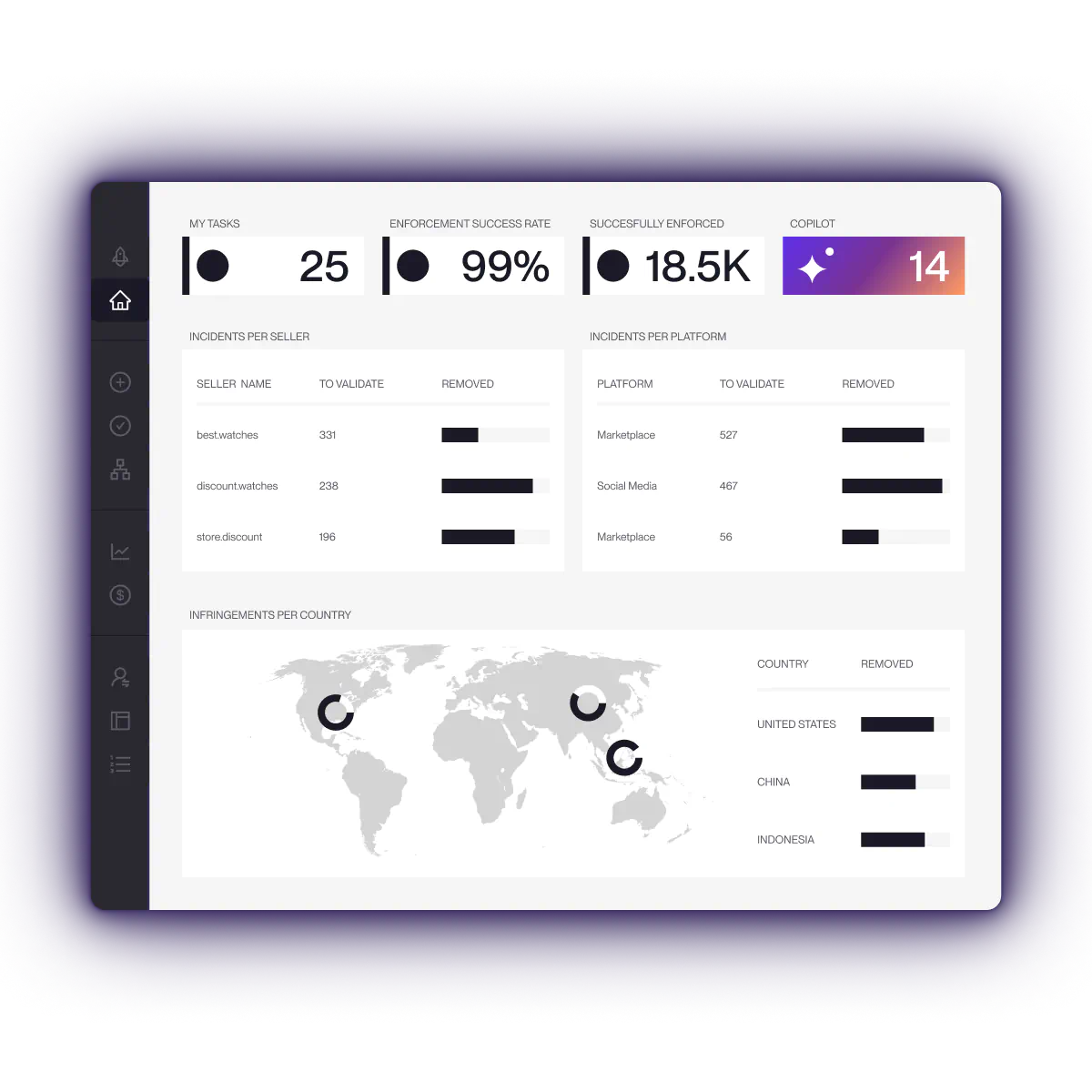
Red Points Domain Management helps brands detect, monitor, and enforce domains that misuse their IP. The platform supports domain discovery, brand monitoring, enforcement requests, complaints to relevant institutions, domain portfolio analysis, and recovery actions.
For brand teams, this matters because the registrant is only one part of the problem. A domain abuse campaign may involve a registrar, host, CDN, ad account, marketplace storefront, payment processor, and search engine result at the same time. Red Points helps centralize detection and escalation so teams can act across the full abuse chain instead of investigating each domain from scratch.
Red Points processes 4.6M+ enforcements per year, including fake domains, brand impersonation sites, and connected infrastructure.
For brands that want a fully managed approach, Red Points’ specialists handle detection and enforcement — teams validate where they choose to, without manually reviewing every identified domain.
A validation layer filters false positives before any enforcement action is submitted — so only confirmed threats are actioned.
Request a demo to see how Red Points can detect and enforce against abusive domains targeting your brand.
Frequently asked questions
You may still see the term WHOIS used on registrar sites and third-party lookup tools, but RDAP is now the definitive source for gTLD registration data. In practice, use ICANN Lookup or the registrar’s RDAP lookup first.
Registrant details are often redacted for privacy. Public records may show the registrar, dates, nameservers, country, and abuse contacts, but hide personal data such as the registrant’s name, email, address, or phone number.
Not always. Many legitimate domain owners use privacy protection to avoid spam, harassment, and unnecessary exposure. Privacy becomes more concerning when it appears alongside phishing, impersonation, counterfeit sales, fake contact details, or other abuse indicators.
For a legitimate purchase inquiry, check the website, domain sale page, marketplace listing, broker page, or registrar contact form. For abuse, the fastest useful route is usually the registrar abuse contact plus the hosting provider’s abuse channel.
Usually not through a normal public lookup. Registrars may provide relay forms, privacy service contact routes, or disclosure request procedures, but private data is not generally exposed in public RDAP records.
Include the domain, specific URLs, screenshots, timestamps, trademark details if relevant, evidence of customer confusion or harm, and a clear explanation of the action you want the registrar to take.
Usually not directly. For trademark-based disputes, registrars typically require an agreement, court order, arbitration decision, or UDRP outcome before transferring, suspending, or canceling a disputed domain.
Contacting the registrant is informal outreach. A UDRP complaint is a formal dispute process used when a domain is confusingly similar to a trademark, the registrant lacks legitimate rights, and the domain was registered and used in bad faith.
Not usually. If the site is actively collecting credentials, payments, or customer data, preserve evidence and report it through abuse channels first. Contacting the registrant can alert the attacker and cause them to move the campaign.
Brands can monitor new registrations, typo variations, lookalike domains, nameserver patterns, content reuse, ads, and redirects. For recurring attacks, use a continuous domain monitoring service rather than relying on manual searches.
Use ICANN Lookup or a registrar’s RDAP lookup tool. The results show the registrar name, registrar abuse contact, registration dates, nameservers, and publicly available contact data. The registrar is the company that manages the domain registration — it is not the same as the registry, which manages the top-level domain such as .com, or the registrant, who registered the domain. The registrar is usually the most useful contact for abuse reports, privacy relay requests, and enforcement escalations.