





You Google your brand name and find it — a scam website that has copied your logo, stolen your product photos, and built a near-perfect replica of your store. Worse, it’s running paid ads and luring your customers into paying for orders that will never arrive. Your inbox is filling up with fraud complaints. Your brand reputation is taking a hit for something you didn’t do.
This is brand impersonation — and it’s more common than most business owners realize. Red Points data shows reported fake websites for our clients have surged by 161% since 2022, with over half using popular web hosting and proxy services to conceal their operations.
This guide walks you through exactly how to take down a fake website, report a scam website to the right authorities, and — when manual reporting stops being enough — how to automate enforcement at scale.
TL;DR — Key takeaways
- Fake and scam websites impersonating your brand are rising fast — acting quickly limits customer harm and revenue loss.
- Before you report anything, gather solid evidence: screenshots of products being sold, discounts, and “too good to be true” offers.
- Use WHOIS lookup (whois.com) to find the domain registrar’s abuse email — this is your first reporting target.
- Send a formal abuse report letter to the registrar with the fake URL, your brand name, and all your evidence.
- Also report to Google Safe Browsing to get the fraudulent website de-indexed from search results.
- Contact the DNS or hosting provider as a second enforcement avenue.
- Manual reporting works for isolated fake sites. When scammers spin up multiple domains, run fake ads, and relaunch after takedowns, brands need continuous detection and enforcement — not one-off complaint filing.
Fake website takedown process at a glance
| Step | What you do | Why it matters |
|---|---|---|
| Step 1 | Gather evidence — screenshots of products, discounts, push notifications | Builds a strong, documented case for your abuse report |
| Step 2 | Run a WHOIS lookup on the fake URL at whois.com | Reveals the domain registrar name and abuse email address |
| Step 3 | Send an abuse report letter to the domain registrar | Formally notifies the registrar and triggers a takedown review |
| Optional | Report via Google Safe Browsing tool | Helps de-index the scam site from Google Search results |
| Step 4 | Report to the DNS and hosting provider | Adds pressure through a second enforcement channel |
| Scale up | Use Red Points for automated, multi-platform enforcement | Handles high volumes across fake sites, ads, and domains simultaneously |
Video walkthrough: How to take down a fake website
Prefer to watch instead of read? We’ve produced a step-by-step video tutorial that mirrors this guide exactly. It walks you through the WHOIS lookup, the abuse report letter, and the Google Safe Browsing report tool — with screen recordings for every step.
Before you start: What to have ready
Before filing any reports, gather the following. The more evidence you provide, the faster registrars and hosting providers will act.
- The fake website’s full URL — copy it exactly as it appears in the browser bar.
- Screenshots — capture every page that proves impersonation: the homepage, product listings, contact page, and any offers or discounts.
- Your company name, registered trademarks, and official website URL — you’ll need these in every abuse letter.
- Evidence of harm — customer complaints, orders placed on the fake site, or records of lost revenue all strengthen your case.
- IP rights documentation — trademark registrations, copyright certificates, or patent numbers establish your legal standing.
How to get a fake website taken down: Step-by-Step
Step 1: Gather evidence for the report
Go to the fake website and take methodical screenshots. Focus on:
- The homepage — showing your stolen logo, brand name, and design.
- Product listing pages — demonstrating that goods are actively being sold.
- The contact page — often fake or non-existent, which itself is evidence.
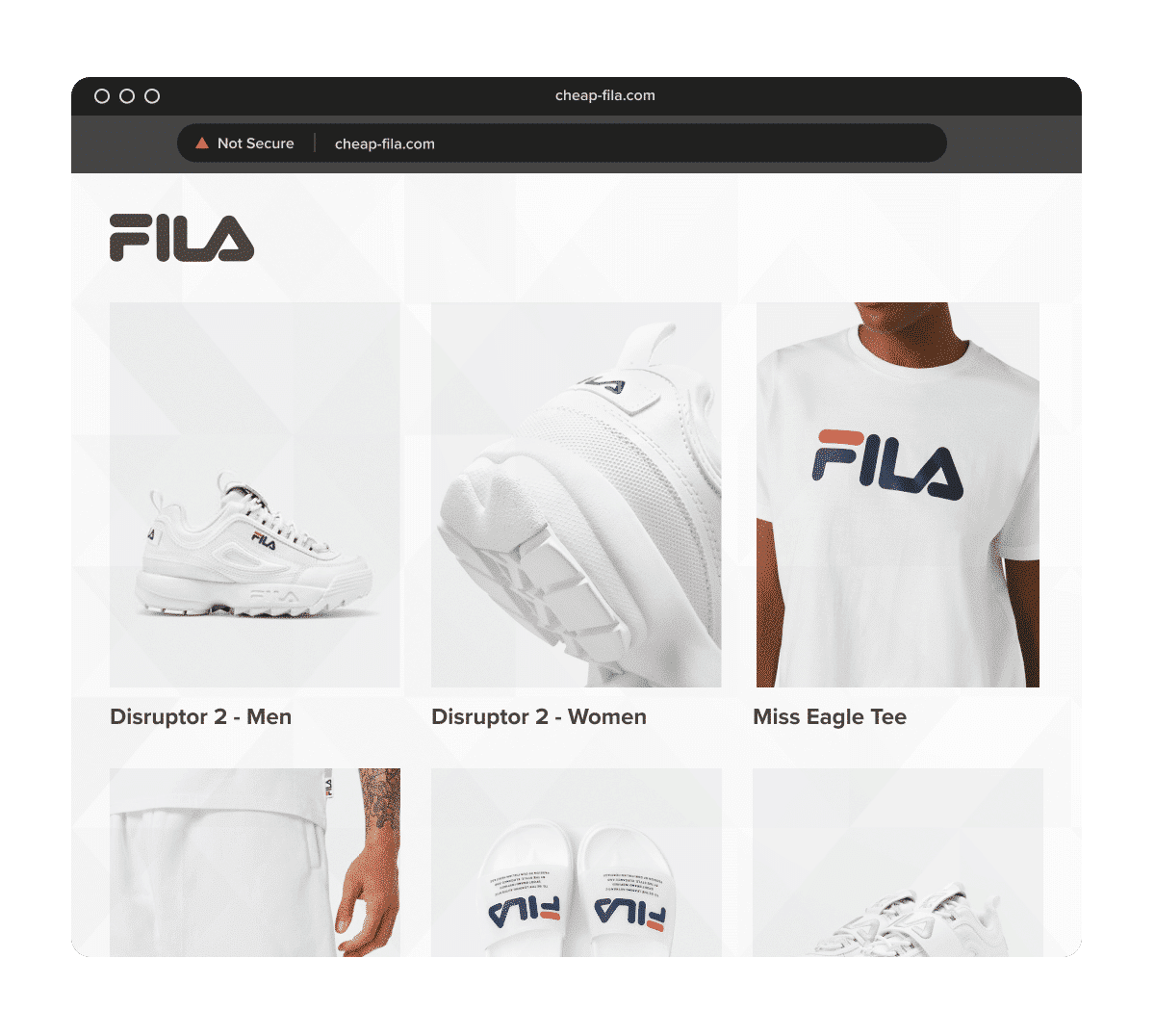
- Discount offers and flash sales — massive price cuts (“80% off today only!”) are a hallmark of scam storefronts. Capture push notification pop-ups and countdown timers too.
Look specifically for “too good to be true” pricing — scam websites impersonating brands typically advertise products at 70–90% below real retail price to drive impulse purchases. This is some of your strongest evidence.
Step 2: Grab the fake URL and run a WHOIS lookup
The domain registrar controls the registration of the fake domain. To find out who that is:
- Copy the full URL of the fraudulent website.
- Go to whois.com and paste the URL into the search bar.
- Scroll down to Registrar Information.
- Note the Registrar Name and Abuse Email Address. These are your reporting targets.
The WHOIS tool is free to use and usually returns results within seconds. Some scammers use privacy-protection services to hide their details — but the registrar’s abuse contact will still be visible.
Step 3: Send an abuse report letter to the domain registrar
Draft a formal letter that includes:
- The fake website’s URL — paste the exact address.
- Your company name and official website — establish who you are.
- A clear description of the infringement — explain that this site is impersonating your brand, misleading customers, and causing harm.
- All screenshots and evidence — attach everything you captured in Step 1.
- Your IP rights — mention relevant trademarks or copyrights.
Be direct and factual. Most major registrars — GoDaddy, Namecheap, and others — have formal abuse review processes. A well-documented report significantly speeds up their response. A template abuse report letter is available in the description of our video tutorial.
Optional step: Report via Google Safe Browsing
Reporting to Google helps de-index the scam site from search results and flag it for Chrome users. Visit Google’s Safe Browsing reporting tool and:
- Fill in the URL of the fake website.
- Select the relevant category (phishing, scam, etc.).
- Add any additional context — the more specific, the better.
- Click Submit.
This step is free and takes under five minutes. It’s particularly effective if the scam website is also running paid search ads, as it adds another layer of pressure.
Step 4: Report to the DNS and hosting provider
The DNS and hosting provider is separate from the domain registrar and gives you an additional enforcement channel. To identify the hosting provider, use tools like HostingChecker.com or DNSlytics and search the fake site’s IP address. Once identified:
- Visit the hosting provider’s website and locate their abuse or legal contact.
- Submit a report with the same evidence package you sent to the registrar.
- CC your own legal team if you have one — this signals you are prepared to escalate.
Hosting providers are often more responsive than registrars because they have a direct technical ability to suspend the site, not just the domain. Contacting both simultaneously puts maximum pressure on the scammer.
Common types of fake websites targeting brands
Not every fake site works the same way. Grouping them properly helps you choose the right enforcement angle.
Phishing sites
These pages try to steal logins, card details, or personal information by pretending to be your official site, your support portal, or a campaign landing page. They may never ship anything because the real goal is data theft. Google’s Safe Browsing documentation specifically warns about phishing and social engineering sites.
Scam ecommerce websites
These are fake stores built to take orders and disappear. They often use your logo, your product images, your brand story, and fake discount messaging to look legitimate.
Fraudulent drop-shipping style storefronts
Some sites do ship something, but it is counterfeit, unrelated, or worthless. That still creates customer anger directed at the real brand.
Spoofed domain sites
These use look-alike domains to mimic your official URL. One character changes, a hyphen appears, or the brand name is combined with words like “sale,” “outlet,” or “shop.”
Multi-brand scam sites
Some fraudulent websites impersonate more than one company at once. Internal Red Points material notes that fake websites can appear as either sites mimicking one brand illegitimately or sites using multiple brands illegitimately.
Lesser-known tactics used by fake websites
After years of helping brands shut down scam websites, Red Points has identified recurring patterns scammers rely on. Knowing these signals helps you spot fake sites faster:
- New domain names — fake sites are often registered days or weeks before launch, so a very young domain is a strong red flag.
- Registrar patterns — scammers frequently reuse the same registrar because their previous domains were taken down there, making patterns traceable.
- Predictable domain extensions — look beyond .com. Scam storefronts commonly use .online, .shop, .store, and .site to create convincing-looking fake URLs.
- Stolen imagery — scammers download your official product photos, lifestyle images, and even employee headshots to make the fake site appear authentic.
- Grammatical errors and poor copy — many fake site operators are not native speakers of their target language. Inconsistencies and errors are a telltale sign.
- Broken social media links — a fake site may display your official social media icons, but the links either go nowhere or to unrelated accounts.
- CDN and proxy servers — scammers use content delivery networks and proxy services through their hosting provider to anonymize their IP address and make enforcement harder.
Emotional pressure, not just technical deception
The tactics are usually emotional before they are technical. ‘Flash sale’, ‘warehouse clearance’, ‘today only’, ‘sold out soon’, ‘extra 80% off’ — those cues are designed to prevent the customer from stopping to verify the URL or research the seller. A buyer in a hurry responding to scarcity and urgency is far less likely to notice the domain is one character off. Understanding this matters for brand protection teams because the most convincing fake sites are not just technically polished — they are psychologically well-targeted, and they can fool buyers who would otherwise be careful.
When manual reporting stops being enough
The step-by-step process above is effective for isolated incidents. But for many brands, particularly those with established audiences and recognizable products, fake websites don’t appear one at a time.
Scammers are organized and opportunistic. They often spin up five or ten spoofed domains at once, run paid ads on Meta and Google to drive traffic, and immediately register replacement domains when one gets taken down. Manual enforcement quickly becomes a game of whack-a-mole — time-consuming, reactive, and never quite ahead of the threat.
The signals that you’ve outgrown manual enforcement include:
- You’re finding new fake websites faster than you can file reports.
- Scammers are running fake ads alongside fake websites, requiring separate enforcement actions on multiple platforms.
- Fake sites are reappearing within days of being taken down.
- Your team is spending significant hours per week on enforcement instead of growth.
This is where automated brand protection platforms become essential.
How Red Points scales fake website takedowns
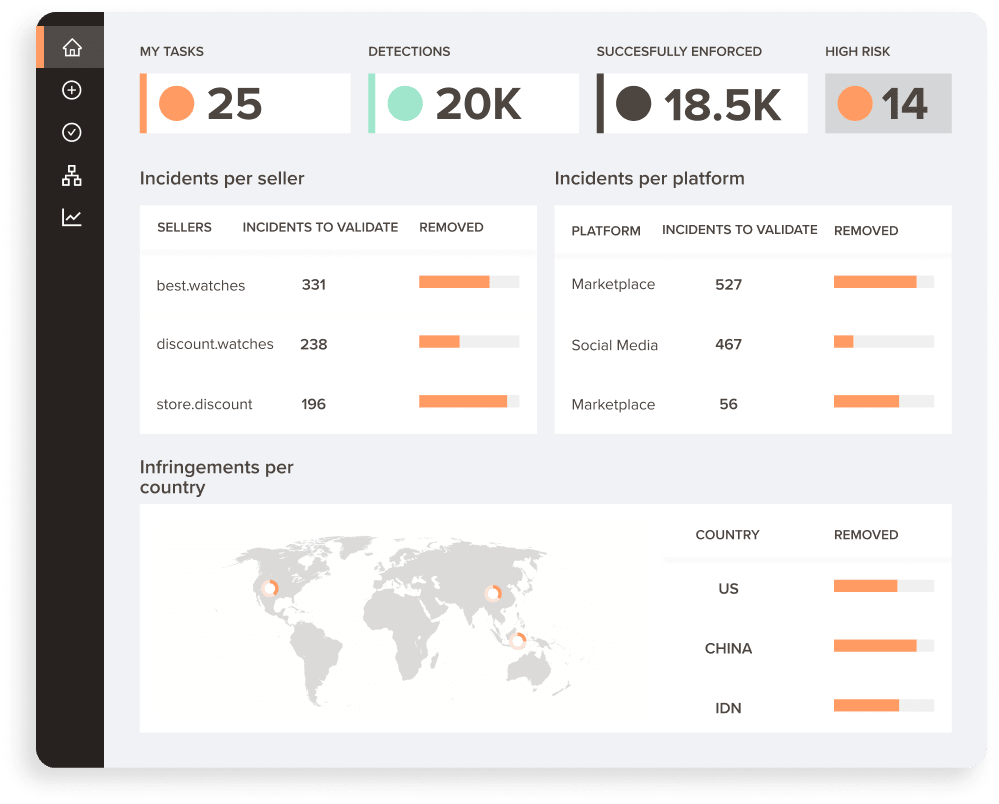
Red Points’ platform is built specifically for the volume and complexity of modern brand impersonation. Over 1,300 brands use it to detect and remove fake websites, fraudulent ads, spoofed domains, and counterfeit listings — simultaneously and at scale.
The platform operates 24/7 through a three-stage process:
1. Monitoring & Detection
Based on your brand’s trademarks, copyrights, product images, and other assets, Red Points continuously scans the global web for impersonation sites, fake ads, and spoofed domains. The AI is trained on 2.7 billion data points monthly and has been refined over 10 years of brand protection work.
2. Evaluation & Prioritization
Not every detection is equally urgent. Red Points’ machine learning algorithms group and rank incidents by risk level — so your team focuses on the highest-impact threats first, rather than being overwhelmed by thousands of unfiltered detections.
3. Automated Takedowns
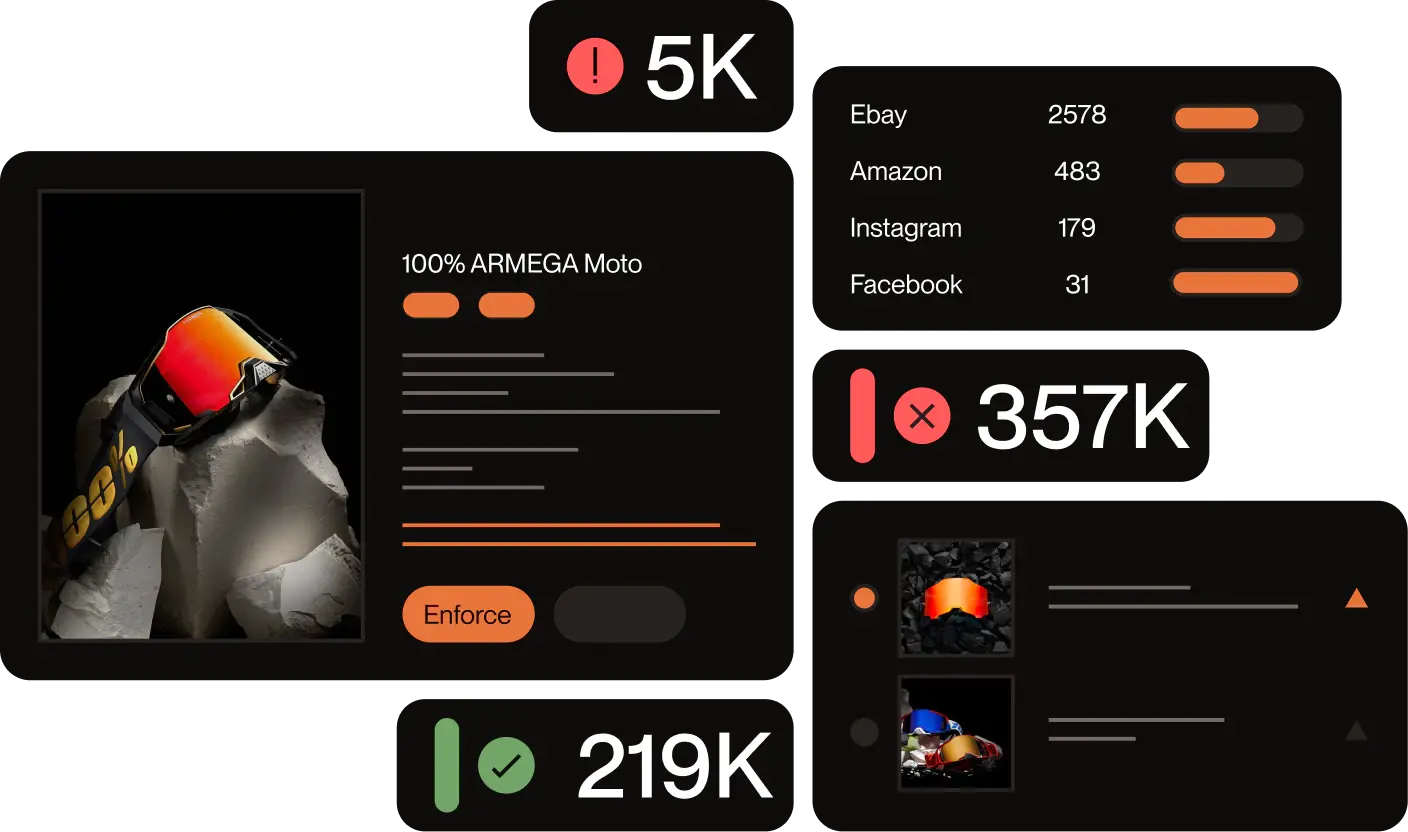
Once you approve the enforcement rules, Red Points automatically submits takedown requests, tracks their status in real time, and handles counter-notices. You receive transparent reporting on how many fake sites were removed and the estimated revenue recovered — without manually chasing every registrar and hosting provider.
A real example
Burton, a premium snowboarding equipment brand, moved from reacting to scam domains after customers had already been harmed to proactively stopping threats in real time. With Red Points, Burton was able to:
- Remove 4.6K+ fraudulent websites
- Reported 500+ sellers
- Prevented 5K+ fraudulent transactions by combining URL-based triggers, AI detection, and continuous enforcement.
Close rule tuning and validation improved enforcement accuracy by 40%.
The risk is not one isolated spoof site. It is a repeating system of lookalike domains, copied storefronts, and connected scam activity that can steal payments, trigger customer complaints, and erode trust unless detection and takedowns run continuously.
Ready to stop playing whack-a-mole?
If your brand is dealing with a high volume of fake websites, scam storefronts, or brand impersonation ads, manual enforcement won’t keep pace. Red Points’ automated platform detects new threats as they emerge and removes them — before they damage your reputation or cost you customers.
Request a demo to see Red Points in action with your brand.
Frequently asked questions (FAQs)
What is a spoofed domain?
A spoofed domain is a web address designed to closely mimic a legitimate brand’s official domain — often by swapping letters, adding words, or using different extensions (e.g., .shop instead of .com). The goal is to make the fake site appear credible enough to trick customers into placing orders or entering personal information.
How long does it take to remove a scam website?
It varies. Domain registrars typically respond within 2–14 business days for a well-documented abuse report. Some hosting providers act faster. Using automated platforms like Red Points, which maintain established relationships with registrars and submit structured reports at scale, can reduce average takedown times significantly. Sites that reappear after removal often require repeated enforcement.
Can I get a fake website taken down if it’s hosted in another country?
Yes, in most cases. ICANN-accredited registrars operate under international agreements and must respond to legitimate abuse reports regardless of where the registrar or the fake site’s operator is based. Hosting providers similarly have terms of service that apply globally. Enforcement may be slower in some jurisdictions, but it is usually still possible.
What if the fake website is also running ads on Google or social media?
File separate reports with each ad platform — Google Ads, Meta, TikTok, etc. — in addition to the registrar and hosting provider. Each platform has its own brand impersonation reporting mechanism. Red Points handles these simultaneously as part of its multi-platform enforcement coverage.
Do I need a trademark to report a fake website?
Having a registered trademark significantly strengthens your abuse reports and is often required for formal IP-based takedowns. However, you can still file abuse reports based on fraud and consumer harm even without a registered trademark. If you don’t yet have trademarks registered, prioritizing that should be part of your broader brand protection strategy.
What is the difference between a fake website and a phishing site?
A phishing site primarily aims to steal credentials — passwords, payment details, or personal information — by mimicking a trusted brand’s login or checkout page. A fake scam storefront may actually complete a transaction but deliver counterfeit or no goods. Both are forms of brand impersonation, and both should be reported to the registrar, hosting provider, and Google Safe Browsing.
How do I take down a fake website?
Start by gathering evidence — screenshots of the homepage, product pages, checkout, and any impersonation of your branding or pricing. Then run a WHOIS or ICANN lookup (lookup.icann.org or whois.com) to identify the domain registrar and their abuse contact. Send a formal abuse report to the registrar with the fake URL, your company details, and all evidence attached. Also report through Google Safe Browsing (safebrowsing.google.com/safebrowsing/report_phish) if the site is deceptive or phishing-related. If the registrar does not act, escalate to the hosting provider and DNS provider. For high-volume or repeating fake sites, automated enforcement platforms can handle the full process continuously.
How do I report a scam website to Google?
Go to safebrowsing.google.com/safebrowsing/report_phish, enter the fake website’s URL, select the relevant category (phishing, scam, deceptive site), add any context that helps Google’s review team understand the impersonation, and submit. This is free and takes under five minutes. Google Safe Browsing powers warnings across billions of devices — a successful report can trigger browser-level warnings in Chrome and other browsers that use the Safe Browsing API, significantly reducing traffic to the fake site while your registrar complaint is being processed.
What counts as brand impersonation on a fake website?
Brand impersonation occurs when a website uses your trademark, logo, product images, brand name, or other protected identifiers to mislead customers into thinking they are dealing with your business. This includes copying your domain name with minor variations (spoofed domains), replicating your website design or product pages, using your product photography to sell counterfeits or nothing at all, or misusing your branding in paid ads to drive traffic to the fake site. Impersonation can involve trademark infringement, copyright infringement, phishing, or fraud — and usually involves more than one of these simultaneously.