






You search for your brand and find a website that looks almost identical to your official store. It uses your logo, product images, company information, and design. Customers are placing orders, sharing payment details, or contacting your team when nothing arrives.
Taking down the site requires more than submitting the same complaint to every company connected to the domain.
A hosting provider can suspend the content. A registrar can act against certain forms of domain abuse. Google Safe Browsing can warn users before they visit a dangerous page. An ad platform can stop the paid campaigns sending traffic to it. A domain dispute may allow a trademark owner to recover the web address.
The right route depends on what the site is doing and the result you need.
Red Points data shows that reported fake websites affecting its clients have increased by 161% since 2022. Many are supported by ads, social profiles, proxy services, and replacement domains, which means removing the visible storefront may only address one part of the operation.
This guide explains how to preserve the evidence, identify the companies involved, choose the correct reporting route, and respond when the same operator returns under another domain.
TL;DR
- A fake website can be reported to its host or website platform, the domain registrar, Google Safe Browsing, payment providers, search engines, and relevant authorities; each controls a different part of the operation.
- Preserve screenshots, page-level URLs, customer evidence, and trademark or copyright records before filing any report or contacting the operator.
- The hosting provider or website platform is usually the most direct route for removing the content.
- Registrar reporting is most relevant when the domain is being used for phishing, malware, or other recognized DNS abuse.
- Google Safe Browsing can warn users before they visit a dangerous page, but it does not remove the website from its hosting provider or cancel the domain.
- Domain disputes (UDRP) can transfer or cancel a domain when it closely resembles a trademark and was registered in bad faith.
- Fake websites often return under new domains; monitoring for replacement sites is as important as the initial takedown.
How to take down a fake website at a glance
Start by deciding what action you need. Reporting fraud, removing hosted content, warning browser users, and recovering a domain are separate outcomes.
| What you need to achieve | Who can act | What the action may do | Useful evidence |
| Remove the website or specific pages | Hosting provider or website platform | Disable content or suspend the hosting account | Exact URLs, screenshots, IP rights, evidence of fraud |
| Disrupt phishing, malware, or other DNS abuse | Host, registrar, or registry | Suspend hosting, place the domain on hold, or otherwise disrupt its use | Fake login pages, phishing emails, malware results, full domain |
| Warn users before they enter the site | Google Safe Browsing and other browser-security services | Display a warning when users try to visit a dangerous page | URL, explanation of the deception, screenshots |
| Remove the ads sending traffic to the site | Advertising platform | Remove the ad or review the advertiser account | Ad URL, screenshots, advertiser details, landing-page URL |
| Stop the site from accepting payments | Payment processor, acquiring bank, or commerce platform | Review, restrict, or close the merchant account | Checkout screenshots, merchant details, customer transactions |
| Remove copied content from Search | Search engine legal-reporting process | Remove qualifying URLs from search results | Copyright, trademark, or legal documentation |
| Recover or cancel an infringing domain | UDRP or an applicable country-code domain process | Transfer or cancel the domain registration | Trademark rights and evidence of bad-faith registration and use |
| Report fraud or cybercrime | FTC, IC3, or the relevant national authority | Record the complaint and support investigations | Transaction data, communications, domains, account details |
Several reports may be appropriate in the same case. A phishing store promoted through paid ads, for example, may require action against the hosting account, domain, ads, and payment route.
What evidence should you collect?
Preserve the site before contacting its operator or filing reports. Fake stores often change their content, remove pages, or move to another domain once they know they have been detected.
Collect:
- The full domain and exact URLs of the relevant pages
- Screenshots showing the URL and date
- The homepage, product pages, checkout, contact page, and legal notices
- Copies of your official logo, product images, website, and other material being misused
- Trademark registrations and relevant copyright records
- Customer complaints, fake order confirmations, and payment receipts
- Emails, social posts, or advertisements directing users to the site
- Phone numbers, email addresses, messaging handles, and payment details displayed by the operator
- Any connected domains or profiles using the same material
Record what each item shows. A folder containing dozens of unexplained screenshots is harder to review than a short evidence log connecting each URL to the relevant violation.
A useful record might state:
example-brand-sale.com/products/jacket copies the product photography and description from our official product page. The site uses our registered trademark in its header and presents itself as an authorized brand store. A customer complaint dated May 5 confirms that payment was taken but no order was delivered.
Keep the original files. Screenshots pasted into a document may lose their metadata or become difficult to read.
Decide what type of fake website you are dealing with
The type of abuse affects which provider is most likely to act.
Brand impersonation site
The website presents itself as the official company, a regional store, an authorized outlet, or a customer support channel.
It may copy:
- The company name and logo
- Product images and descriptions
- The design of the official website
- Corporate addresses and contact details
- Terms, policies, and customer reviews
Trademark rights, evidence of customer confusion, and proof that the site falsely claims a relationship with the company are particularly relevant.
Scam ecommerce store
The site takes orders for products that are never delivered, sends unrelated items, or disappears after collecting payments.
These cases may involve brand impersonation, payment fraud, false advertising, and consumer harm. The host, commerce platform, advertising platform, and payment provider may each control part of the operation.
Phishing website
A phishing page is designed to collect passwords, card details, authentication codes, or other sensitive information by copying a trusted login, support, or checkout page.
Phishing falls within the forms of DNS abuse recognized by ICANN. Registrar and registry reporting can therefore be relevant alongside the hosting complaint.
Counterfeit storefront
The site uses a brand’s trademarks and imagery to sell unauthorized products presented as genuine.
Evidence may include the use of protected marks, prices inconsistent with authorized retail, copied photography, misleading authenticity claims, and customer reports of counterfeit deliveries.
Malware or malicious download site
The page distributes harmful files, redirects visitors to malicious content, or installs unwanted software.
Use the security or abuse reporting routes offered by the host, registrar, browser-protection provider, and relevant authorities. Do not download files simply to confirm that the site is malicious.
Lookalike-domain website
The domain has been chosen to resemble the brand’s official address. It may replace a letter, add a hyphen, use another extension, or combine the trademark with terms such as “sale,” “outlet,” “support,” or “login.”
The domain itself may become part of a trademark or cybersquatting complaint, even where the content has already been disabled.
How to identify who controls the website
Several providers may be involved in keeping a site online. They do not all have the same authority.
| Provider | What it controls |
| Website platform or builder | The account and content created through the platform |
| Hosting provider | The server or cloud account storing the website |
| Domain registrar | Registration of the domain name |
| Registry | Operation of the domain extension, such as .com |
| DNS provider | The records that direct the domain to online services |
| CDN or reverse proxy | Delivery, caching, and protection between visitors and the origin host |
| Advertising platform | Ads and advertiser accounts sending traffic to the site |
| Payment provider | The payment method used at checkout |
Use ICANN Lookup to identify the registrar and review the publicly available registration data. The registrar’s abuse contact should remain visible even where the registrant’s personal information is protected.
Finding the hosting provider can take more work. A visible IP address may belong to a CDN or proxy rather than the origin host. Check:
- DNS records
- HTTP headers
- Hosting-lookup services
- Nameservers
- The site’s platform-specific assets or account pages
- Previous versions of its DNS records, where available
Do not assume that the registrar hosts the website. Likewise, a CDN may be able to restrict its own service but may not control the content stored on the origin server.
How to report the site to its host or website platform
The hosting provider or website platform is often the most direct route for removing the content.
Look for an abuse, legal, trust and safety, intellectual property, or security page on the provider’s official website. Use the route matching the conduct you are reporting.
A strong complaint should include:
- Your name, company, and authority to submit the report
- The full domain and exact URLs
- A factual explanation of the violation
- Links to the official brand website and original material
- Relevant trademark or copyright documentation
- Screenshots and customer evidence
- The action you are asking the provider to take
Keep trademark, copyright, phishing, and fraud allegations distinct. A general statement that a website is “fake” may not give the provider enough information to apply its policies.
For example:
The reported account is operating a website that falsely presents itself as an official store for [brand]. It uses our registered trademark in the domain, header, and checkout, copies product images from our official website, and accepts payment for products it is not authorized to sell. We request a review under your impersonation, fraud, and intellectual property policies.
Where copied images or text are central to the case, a formal copyright notice may be the strongest route. Our guide on taking down a website for copyright infringement explains the information normally required.
When should you report the domain registrar?
The registrar manages the domain registration. It does not necessarily host or control the website content.
Registrar reporting is particularly relevant when the domain is being used for phishing, malware, botnets, pharming, or spam that delivers one of those threats. These are the forms of DNS abuse covered by ICANN’s current contractual requirements.
Send the registrar:
- The full domain
- A clear description of the DNS abuse
- Screenshots showing the complete URL
- Phishing emails or messages distributing the site
- Evidence that the page is collecting credentials or delivering malware
- Proof that you represent the organization being impersonated, where applicable
Use the registrar’s own abuse channel before escalating the matter to ICANN. ICANN’s DNS abuse complaint guidance asks complainants to show that they first submitted an actionable report to the registrar or registry and allowed reasonable time for review.
A trademark complaint alone does not automatically require a registrar to suspend a domain. Where the dispute concerns the choice of domain name rather than phishing or technical abuse, a UDRP complaint or another legal route may be more appropriate.
How to report a fake website to Google
Google offers different reporting processes depending on the harm involved.
Report phishing or malware through Google Safe Browsing
Use Google Safe Browsing when a site tries to steal sensitive information, distributes harmful software, or uses deceptive pages to manipulate visitors.
A successful report may result in security warnings appearing in Chrome, Search, Gmail, and other products that use Safe Browsing data.
This does not necessarily remove the website from its host or cancel the domain. It helps reduce the number of people who reach the dangerous page while other takedown requests are being reviewed.
Report fake ads separately
A site may continue receiving traffic even after its organic visibility falls. Capture every ad before reporting it because campaigns can be targeted by location, device, or time of day.
Google allows users and rights holders to report ads and shopping listings for policy violations such as scams and phishing, or for legal concerns involving trademarks, copyright, and counterfeit goods.
For each ad, save:
- The ad copy and image
- The advertiser name
- The displayed and final URL
- The search term or page where it appeared
- The date, location, and device used
- Screenshots of the landing page
Use the reporting route offered by Meta, TikTok, Bing, or another platform when the campaign appears elsewhere.
Removing the ad and the destination website at the same time cuts off both the source of traffic and the page collecting payments or data.
Request removal for legal reasons
Google also provides legal-reporting routes for qualifying copyright, trademark, counterfeit, privacy, and local-law complaints.
Removing a URL from Google Search does not take the source website offline. It restricts how the content appears in Google’s services.
Report the payment infrastructure
Fake stores need a way to receive money.
Check the checkout page, payment confirmation, transaction record, and merchant descriptor for details of the provider handling the payment.
A report to the payment provider should include:
- The fake website URL
- Screenshots of the checkout
- The merchant name or identifier
- Transaction details supplied by affected customers
- Evidence that the site is impersonating the brand
- Proof that the products are counterfeit, nonexistent, or misrepresented
- The relevant trademark and company records
The provider may review the merchant, restrict payment processing, or request further evidence.
Where customers paid by card, they should contact their bank or card issuer promptly. Brand teams should avoid collecting sensitive card information from affected customers. Ask them to share redacted records or work directly with their financial institution.
Should you contact the website operator?
A cease and desist letter can work when the operator is identifiable and may respond to a formal demand.
It may be appropriate where:
- A legitimate business is using protected material without permission
- A distributor is overstating its relationship with the brand
- The operator has published working contact details
- The conduct appears to result from misunderstanding rather than organized fraud
- The brand wants to place the operator on formal notice before further action
It is less useful for an anonymous phishing operation or rapidly changing scam network. Contacting the operator too early may also prompt them to delete evidence, change infrastructure, or move the content.
Preserve the case first. Consider the likelihood of cooperation and the risk of alerting the operator before sending direct correspondence.
When to use a domain dispute
A website may be disabled while the infringing domain remains registered. The operator can reconnect it to another host or use it for email, redirects, and future scams.
Trademark owners may be able to use the Uniform Domain Name Dispute Resolution Policy, commonly called the UDRP, when:
- The domain is identical or confusingly similar to a trademark in which the complainant has rights
- The registrant has no rights or legitimate interests in the domain
- The domain was registered and is being used in bad faith
A successful WIPO domain name complaint can result in the domain being transferred to the trademark owner or cancelled. It cannot award damages or remove unrelated content hosted elsewhere.
Some country-code domains use their own dispute procedures. Check the policy applying to the specific extension before filing.
A domain dispute is more formal and resource-intensive than an abuse report. It can be worthwhile when the domain has long-term value, closely matches the trademark, or continues returning after content takedowns.
When legal action may be necessary
Provider reports may not resolve cases involving disputed ownership, fair use, unclear trademark rights, defamation, or an operator that repeatedly moves between services.
Legal options can include:
- A formal cease and desist letter
- A copyright or trademark claim
- An injunction
- A disclosure request
- A domain dispute
- Civil claims for losses
- Criminal reporting where fraud or other offences are involved
The correct approach depends on the rights involved, where the operator and providers are located, and the harm caused. Seek legal advice where the dispute cannot be resolved through established platform or provider procedures.
For harmful content that does not involve a fake or impersonating website, see our separate guide on reporting a website for illegal content.
Where to report a scam website to authorities
Reports to authorities serve a different purpose from hosting or domain complaints. They create a record of the fraud and may support investigations, but they do not guarantee a direct or immediate takedown.
Federal Trade Commission
Businesses and consumers in the United States can use ReportFraud.ftc.gov to report scams, fraud, and bad business practices.
Include the website, payment details, communications, and a description of what happened.
Internet Crime Complaint Center
Report internet-enabled crime to the FBI through the Internet Crime Complaint Center.
IC3 accepts information about cyber-enabled scams and fraud, including complaints involving websites, transactions, emails, and other identifiers. Reports may be referred to federal, state, local, or international law-enforcement partners.
Other countries
Use the relevant national cybercrime, consumer protection, or law-enforcement service where the business or affected customers are located.
Report immediate threats or danger through the local emergency channel rather than waiting for an online abuse review.
What should a customer do after buying from a fake website?
A customer who has entered payment or account information should act quickly.
They should:
- Contact the bank, card issuer, or payment service
- Ask whether the payment can be challenged, blocked, or recalled
- Save the order confirmation, receipt, messages, and website URL
- Change any password reused on the fake website
- Enable multi-factor authentication where available
- Monitor financial and online accounts
- Report the fraud to the appropriate authority
- Check whether personal information was entered or uploaded
Where card or bank information may have been compromised, the financial provider can advise whether the account or card needs to be replaced.
The brand should keep a record of customer reports. They can establish the scale of the harm, reveal payment details, and support complaints sent to providers.
Common types of fake websites targeting brands
Fake outlet and clearance stores
These sites combine the brand name with words such as “sale,” “shop,” “outlet,” or a country name. Large discounts, countdowns, and limited-stock messages push customers to purchase before checking the URL.
Fake regional stores
The operator presents the website as a local or country-specific version of the brand. The site may use translated content, local currency, and regional contact details.
Clone websites
A clone reproduces much of the official website, including navigation, product pages, photography, and legal text. Some copies are convincing enough that the domain name becomes the main visible difference.
Phishing login and support pages
These pages copy an account login, customer portal, delivery-tracking page, refund form, or support process to collect credentials and personal data.
Counterfeit stores
The website promotes unauthorized goods as genuine. Some deliver counterfeit products, while others collect payment and send nothing.
Multi-brand scam stores
One operator may imitate several companies on the same website or maintain a network of stores built from the same template.
Shared payment details, contact information, analytics identifiers, page structures, and hosting patterns can help connect the sites.
How fake website operators avoid detection
A polished appearance is no longer a useful sign that a website is legitimate. Fake sites can use HTTPS, professional copy, copied policies, convincing reviews, and AI-generated product content.
More useful signals include:
Recently registered or disposable domains
Some sites appear shortly after the domain is registered and remain active only for a short campaign. Once reports begin, the operator moves to a replacement domain.
Domain age is a signal, not proof. A legitimate campaign may also use a new domain.
Copied brand and product assets
Operators reuse official images because they make the store look credible and require little effort to reproduce.
Image matching can reveal the same asset across several sites, even where the file has been resized, cropped, mirrored, or combined with new text.
Geo-targeting
The fraudulent content may only appear to visitors in selected countries or cities. Reviewers outside the target region may see an empty page, unrelated content, or the official brand website.
Mobile redirects
Desktop visitors may see a harmless page while mobile users are sent to a fake shop, login page, or app download.
CDN and proxy services
A CDN or reverse proxy can conceal the origin server and make the hosting provider harder to identify. The intermediary may still have an abuse process, but it may not be the company storing the content.
Short-lived advertising campaigns
Paid ads can run for a few hours, target a narrow audience, and disappear before the brand’s team can reproduce them.
Preserving the ad, advertiser details, location, and landing page is therefore as important as recording the destination site.
Reused infrastructure
An operator may change the domain while retaining the same:
- Payment account
- Phone number
- Email address
- Analytics identifier
- Page template
- Product catalogue
- Hosting account
- Advertising profile
These connections help teams identify the next site before it establishes the same reach.
When manual takedowns stop working
A manual process can be enough for one clearly identified website.
It becomes difficult when:
- New domains appear faster than the team can investigate them
- The sites only display their content in certain countries
- Fake ads and social profiles need separate reports
- Providers request different evidence and forms
- Removed websites return with minor changes
- The same operation uses several hosts, registrars, and payment services
- Staff spend more time assembling complaints than investigating the network
At that point, the work is no longer a single takedown. It requires continuous detection, evidence management, provider identification, prioritization, enforcement, and follow-up.
How Burton moved from reactive searches to continuous enforcement
Burton faced fake websites that copied its brand and presented themselves as official stores. Customers entered payment details or paid for orders that never arrived.
Manual searches often found the sites only after a customer had already been affected. New domains could also appear as existing ones were removed.
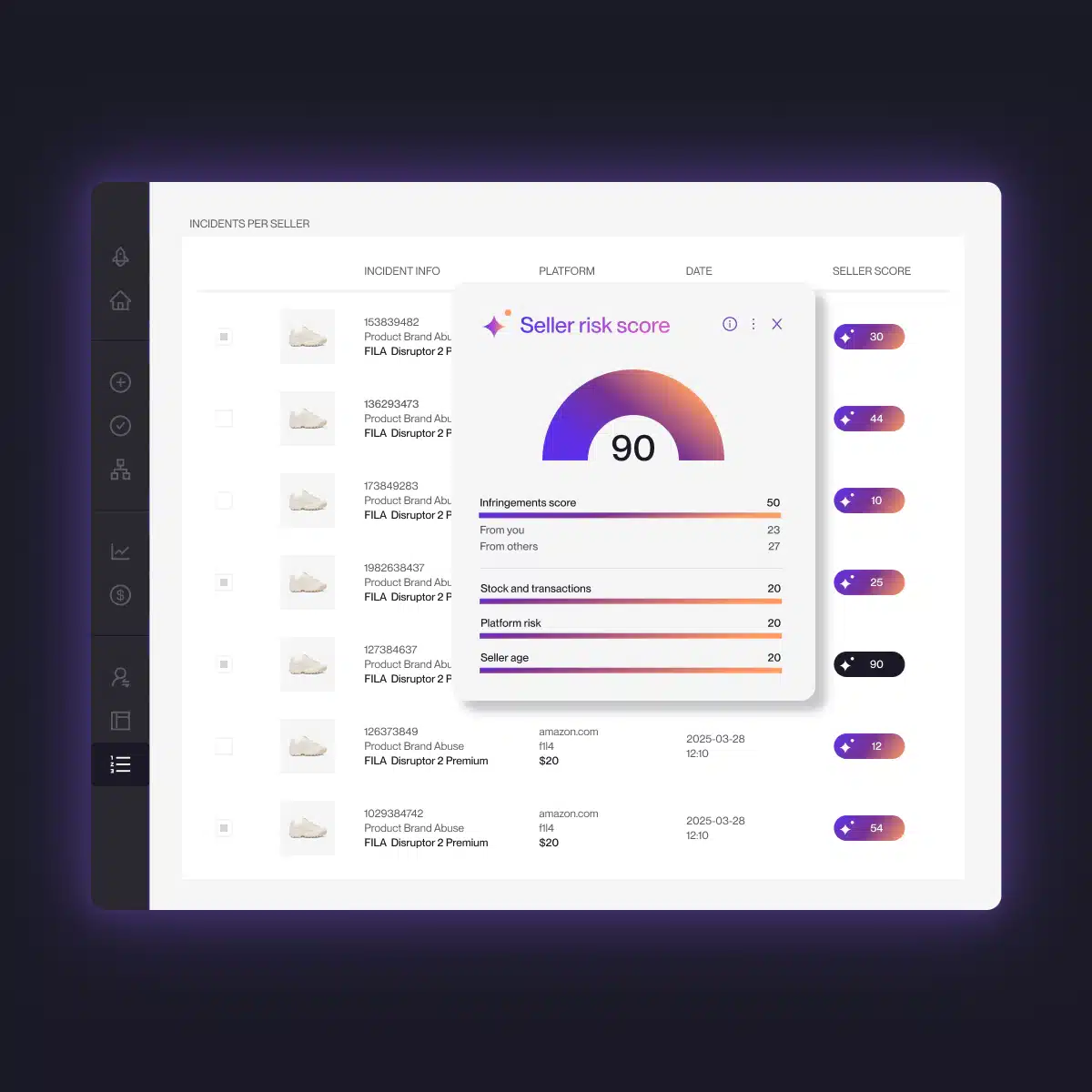
By combining URL triggers, AI-based detection, predictive scoring, and continuous enforcement, Burton worked with Red Points to:
- Remove more than 4,600 fraudulent websites
- Report more than 500 sellers
- Prevent more than 5,000 fraudulent transactions
- Improve enforcement accuracy by 40% through rule tuning and validation
The change was operational. Burton could identify and act against fraudulent sites before relying on customer complaints to reveal them.
How Red Points removes fake websites at scale
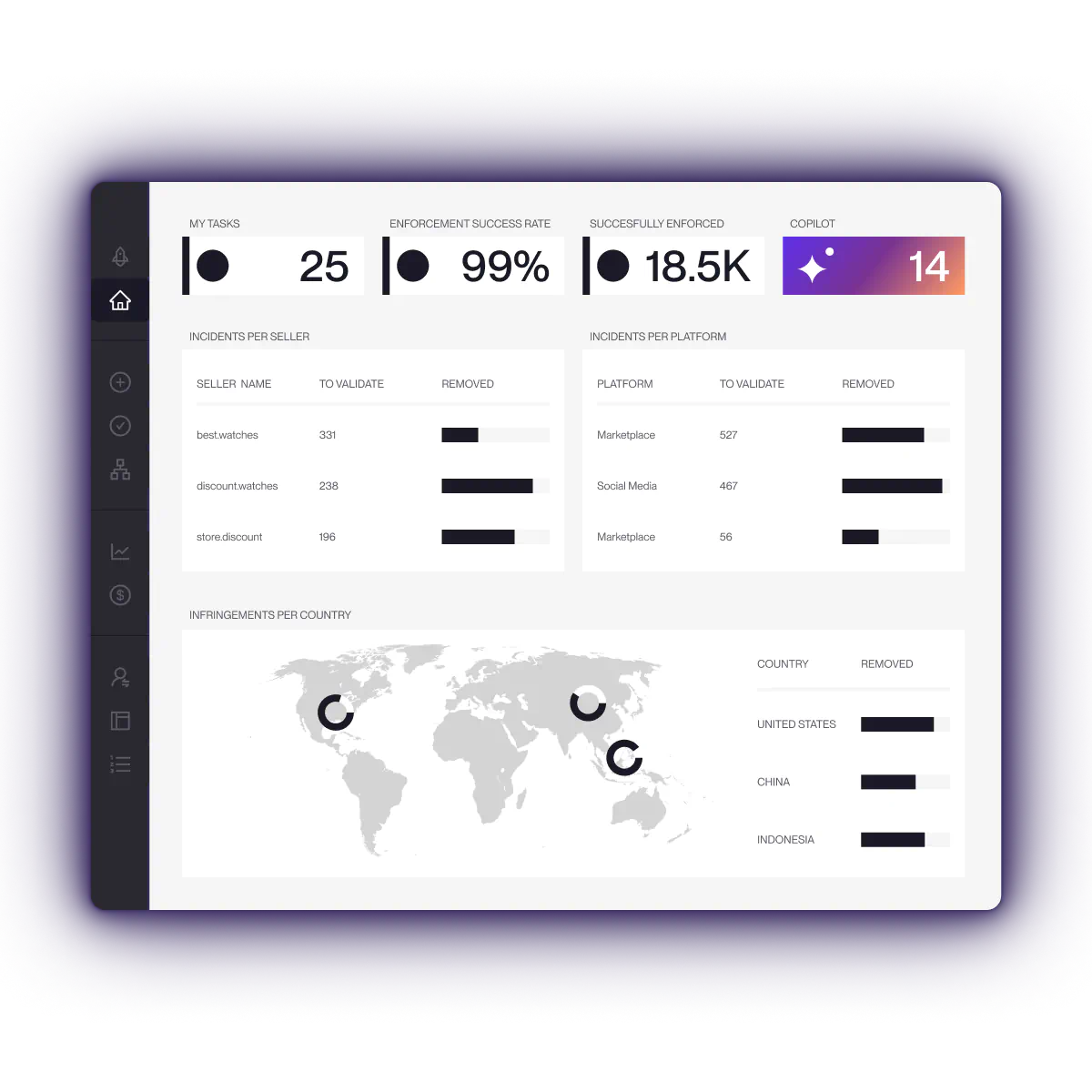
Red Points’ fully managed AI platform detects and enforces against fake websites, impersonating domains, fraudulent advertisements, social profiles, and connected threats across the web.
Continuous detection
Red Points searches for domains and websites using the brand’s trademarks, product images, website content, and other identifying assets.
Detection covers threats that may not appear through a basic brand-name search, including modified images, misspelled domains, local-language sites, redirects, and geo-targeted pages.
Account and infrastructure analysis
Each site can be assessed alongside available domain, hosting, contact, content, and enforcement information.
This helps teams determine:
- What type of violation is taking place
- Which provider is able to act
- Whether the site is linked to earlier incidents
- Which cases create the greatest risk
- Whether ads, social profiles, or other channels are supporting the campaign
Managed enforcement
Red Points manages the process of preparing and submitting reports through the relevant provider routes. The platform tracks the status of each action and supports follow-up where additional evidence is requested.
Customers retain control over the rules and approvals governing enforcement. During onboarding, brands share their authorized sellers, distributors, partners, and known exceptions, so legitimate activity can be accounted for. Enforcement is only pursued based on the brand’s rights, evidence, and approved rules. The service is fully managed, so teams do not need to investigate and submit every case themselves.
Red Points carries out more than 5.1 million enforcements each year, with unlimited takedowns included rather than a fixed allowance of reports or analyst hours.
Monitoring for replacement sites
A removed website may return with a new domain, provider, layout, or localized version.
Red Points continues monitoring for repeated use of the same images, trademarks, content, contact information, advertisements, and other signals. This helps brands connect replacement sites to the wider operation instead of treating each domain as a new and unrelated incident.
Learn more about Red Points’ domain takedown service, Ad Protection, and Impersonation Removal.
Request a demo to see how Red Points can help remove fake websites from Google and across the wider web.
Frequently asked questions
How do I get a fake website taken down?
Preserve the evidence, identify the hosting provider or website platform, and submit a report through its abuse, fraud, or intellectual property channel. Where the domain is being used for phishing, malware, or another recognized form of DNS abuse, report it to the registrar as well. Report fake ads, payment processing, and dangerous pages through the relevant services rather than relying on one complaint to address the whole operation.
Where should I report a scam website?
Report the site to the provider able to act on the specific harm: host or website platform for the content, registrar for applicable DNS abuse, Google Safe Browsing for phishing or malware warnings, advertising platform for fake ads, payment provider for fraudulent merchant activity; and FTC, IC3, or a local authority for fraud and cybercrime. Reporting to an authority does not necessarily remove the website.
Will reporting a scam website to the FTC remove it?
No direct takedown is guaranteed. The FTC collects reports about fraud, scams, and bad business practices. Those reports help identify patterns and support enforcement activity. The website should also be reported to the host, platform, registrar, or other provider with control over the relevant service.
Can Google remove a fake website?
Google can restrict how qualifying content appears in its own products. Google Safe Browsing may display warnings for dangerous pages. Google can also review ads and legal-removal requests. These actions do not normally remove the website from its hosting provider or cancel its domain.
How long does a fake website takedown take?
There is no standard timeframe. The result depends on the provider, type of abuse, quality of the evidence, jurisdiction, and whether the operator contests the report or moves the site. A clear phishing page may be handled differently from a disputed trademark or copyright claim. Replacement domains can also require further enforcement after the original site is removed.
Can a fake website be removed if it is hosted in another country?
Yes, but the route and timing may vary. Hosting companies, registrars, advertising platforms, and payment providers apply their own policies and legal obligations. A brand may also need to consider the laws and dispute procedures applying to the provider, operator, and domain extension.
Do I need a registered trademark to report a fake website?
A registered trademark can provide a strong basis for complaints involving impersonation, counterfeit goods, and misleading commercial use. It is not required for every report. Phishing, malware, fraud, copied copyrighted material, and violations of a provider’s terms may offer separate grounds for action. The provider may ask for evidence that the complainant owns the relevant rights or is authorized to act for the owner.
What should I do if I bought something from a fake website?
Contact the bank, card issuer, or payment service immediately. Ask about blocking or challenging the payment. Save the website address, order confirmation, transaction record, and all messages. Change any reused passwords and monitor affected accounts. Report the transaction through the appropriate national fraud or cybercrime service.
When should a brand use a UDRP complaint?
Consider the UDRP when a domain is identical or confusingly similar to a trademark, the registrant lacks a legitimate interest, and the domain was registered and used in bad faith. The available remedy is transfer or cancellation of the domain. A UDRP panel cannot award damages or remove separate content hosted elsewhere.