

Website cloning and content theft are growing threats. Red Points projects a 150% increase in website infringements in 2026. This guide covers how to detect a cloned or duplicate site, how to protect your content before it gets copied, and how to get infringing pages removed.
TL;DR
- A duplicate or cloned website is a copy of your site, including its design, content, and branding, used to deceive customers, steal traffic, or commit fraud
- You can detect whether your website has been copied using Google search, plagiarism checkers, reverse image search, and domain monitoring tools
- Legal protections, including copyright and trademark registration, give you standing to act. Your website content is automatically protected under copyright law
- To report a duplicate website to Google, use the Google Legal Help Form or file a DMCA notice directly to Google Search
- When infringers reappear under new domains after each takedown, the problem is a network rather than an isolated site, and monitoring must cover new domain registrations and content matches across the entire web, not just known infringing URLs
What is a duplicate website?
A duplicate website is a site that copies the design, content, branding, or domain of an existing website without permission. The terms are often used interchangeably: cloned website, mirrored site, copycat site, and lookalike domain all describe the same threat class. Each is a site built to look like yours, designed to deceive your customers or steal your traffic.
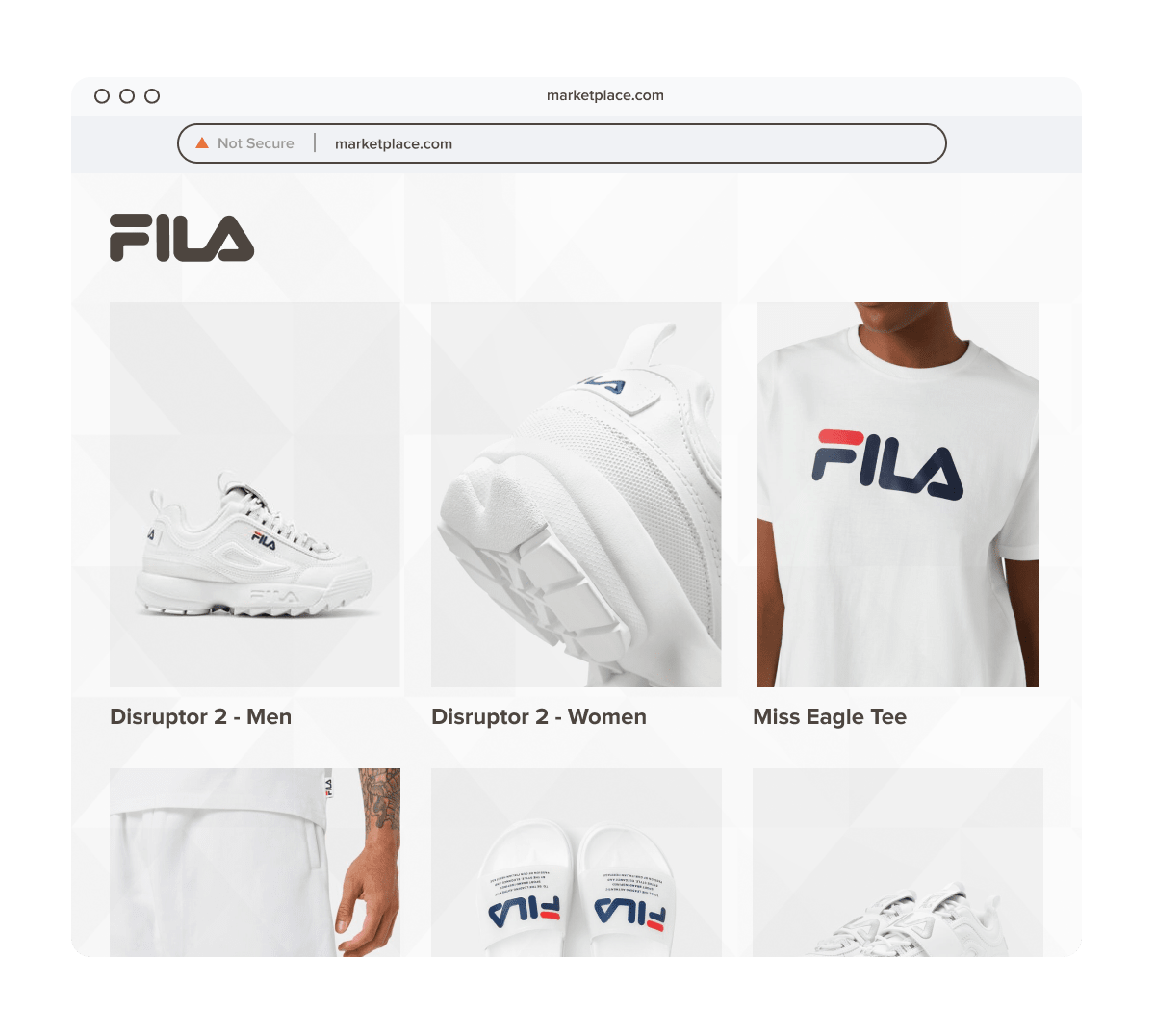
Website mirroring: legitimate vs. malicious uses
Website mirroring refers to the creation of an identical or near-identical copy of a website hosted on a separate server or domain. Not all mirroring is malicious. Legitimate uses include backup and disaster recovery, content delivery networks (CDNs) that mirror servers across geographies to improve load times, and accessibility mirroring to ensure users in certain regions can reach a site.
Malicious mirroring is a different matter entirely. When bad actors create a mirror of your site, the goal is typically one of three outcomes: to sell counterfeit goods to unsuspecting customers, to run a phishing operation that harvests login credentials or payment data, or to host malware that infects visitors’ devices.
Website mirroring in China
A specific case worth understanding: in China, the Great Firewall blocks access to many foreign websites. As a result, some Chinese entities create mirror copies of foreign sites so local users can access the content. While some of these mirrors are created for legitimate accessibility purposes, brands with a presence in China should be aware that unauthorized mirrors can divert significant traffic and, in some cases, be used to impersonate the brand for financial gain. If you operate in or sell into China, proactive monitoring of .cn domains and mirror sites is especially important.
How scammers build a duplicate website
Understanding the execution method helps you spot the warning signs early. A typical cloning operation follows this pattern:
Step 1: Copy identifying elements.
The scammer replicates your logo, layout, product listings, page copy, and visual assets. Modern scraping tools can do this in minutes.
Step 2: Spoof the domain name.
Using typosquatting or cybersquatting, the scammer registers a domain that closely resembles yours, substituting a letter, adding a hyphen, or switching the top-level domain (.net, .shop, .online instead of .com). Someone targeting Adidas might register “addidas.com” or “adidas-store.net.”
Step 3: Drive traffic to the fake site.
Fraudsters attract victims through paid ads (often using your own brand name as the keyword), social media posts, phishing emails, and black-hat SEO. The fact that a site ranks on page one of Google is not proof it is legitimate.
How to tell if your website has been copied
Detecting duplicate content or a cloned site requires checking across several vectors. None of these methods alone is foolproof. A combination gives you the clearest picture.
Step 1: Search Google with exact phrases
Find a blog post or page on your website and copy around ten words from the beginning of a sentence. Paste those words into Google’s search bar surrounded by quotation marks. If more than one result appears, you have potential duplicate content. The first result is the one Google considers the original.
You can repeat this across Bing, DuckDuckGo, and Brave Search, since each maintains a different index and a scammer’s site might rank on one but not another.
Step 2: Use a plagiarism checker
Tools like Copyscape and Originality.ai let you enter a page URL and identify other sites that have published the same or very similar text. Copyscape’s paid plan lets you batch-check up to 10,000 URLs at once. Dupli Checker is a free alternative for page-by-page scanning.
Step 3: Run a reverse image search
Insert one of your branded product images or ad creatives into Google’s reverse image search. The results will show every site that has published that image. Any unauthorized appearance is a signal of copying.
Step 4: Conduct a domain name search
Use the ICANN domain lookup tool to search for your domain name and variations of it, including common misspellings, different TLDs (.net, .shop, .info, .online), and hyphenated versions. Investigate any result that looks similar to your official domain.
You can also type suspect URLs directly into your browser bar to check whether they resolve to a site that copies your design.
Step 5: Monitor trackbacks and Google Search Console
If you publish SEO-optimized content that links internally, you can monitor who is linking back to those internal URLs. A spike in links from an unrecognizable domain, especially one linking to your internal pages, can indicate that someone has copied your full site, including its internal link structure. Google Search Console’s link report is a good place to check.
Step 6: Set up Google Alerts
Google Alerts is a free tool that notifies you when a phrase appears in Google’s index. Set up alerts for your blog post titles, brand name, and key taglines. A hit on a title you published weeks ago, appearing on a new domain, is a warning sign worth investigating.
Step 7: Try an AI tool
If you have access to an AI assistant that can browse the web, you can prompt it to search for exact text: “Tell me if you find this exact text on any website: [paste your text in quotation marks].” This works reasonably well but is not exhaustive. Treat it as a supplementary signal, not a definitive check.
Signs your entire website has been cloned
Partial content theft (someone copying a blog post) is different from full site cloning. Signs that your entire site may have been replicated include: finding a domain name that closely matches yours with a different TLD, noticing an unusual drop in traffic (the fake site may be diverting your customers), receiving customer complaints about orders never placed or products never received, or discovering your internal links appearing in the backlink profile of an unknown domain.
How to protect your website from being copied
Protection operates on two levels: legal standing (what rights you hold and how to register them) and operational measures (the technical and monitoring steps that reduce your exposure).
Legal protections
Copyright
Your website content, including written copy, images, video, and other original creative work, is automatically protected by copyright law the moment it is created. You do not need to register a copyright for this protection to exist. However, formal registration with the U.S. Copyright Office (or the relevant national authority in your jurisdiction) gives you stronger legal standing if you need to pursue litigation or file a DMCA notice.
DMCA: the notice-and-takedown system
The Digital Millennium Copyright Act (DMCA), enacted in 1998, is the primary governing law for online copyright infringement in the United States. Four key provisions matter for brand owners:
- Notice-and-takedown: Copyright owners can notify an online service provider (hosting company, Google, social platform) about infringing content. The provider must take it down to maintain safe harbor protection.
- Anti-circumvention: The DMCA illegalizes activities that bypass technological measures protecting copyrighted work, including tools specifically built to circumvent those measures.
- False copyright information: Providing false copyright management information in published online work is explicitly illegal.
- Safe harbor for providers: Hosting companies and platforms can avoid liability if they act on valid takedown notices promptly.
Outside the U.S., equivalent frameworks exist. The EU Copyright Directive (Directive 2019/790) provides similar mechanisms for European brands and requires platforms to implement proactive content moderation for larger services.
Trademark registration
While copyright covers your content, trademark registration protects your brand identity: your name, logo, and distinctive visual elements. Register your trademark with the USPTO (or the relevant IP office in your jurisdiction). A registered trademark gives you standing to file UDRP (Uniform Domain-Name Dispute-Resolution Policy) complaints against domain squatters and strengthens DMCA notices where logo copying is involved.
What elements of your website are protectable?
Not everything on your site receives the same level of protection. In general:
- Written content, including blog posts, product descriptions, and about pages, is automatically protected by copyright.
- Images and visual assets, including product photography, branded graphics, and videos, are protected by copyright as soon as they are created.
- Logos and branding elements: once trademarked, these are protected across jurisdictions by trademark law.
- Domain name: your registered domain can be defended via trademark law and UDRP disputes if someone registers a confusingly similar domain.
- Functionality and general layout: these are harder to protect. UI patterns, common page structures, and broad site layouts generally do not qualify for copyright protection. Focus enforcement effort on content and brand identity.
Operational and technical protections
Beyond legal registration, a set of practical measures reduces the ease with which your site can be copied:
- Display copyright and trademark notices on every page. A visible notice deters opportunistic copycats and reinforces your legal standing.
- Hotlink protection prevents other sites from embedding your images directly from your server. This stops image theft and reduces unauthorized bandwidth usage.
- Watermark branded images so that even if they are copied, the origin is visible.
- Use canonical URLs to signal to search engines which version of a page is the original. This does not prevent copying but helps Google attribute the original correctly.
- Disable right-click copy/paste on key pages. This is not foolproof. A determined bad actor will find another way, but it removes the path of least resistance for low-effort copycats.
- Encrypt your website code so that the source is not easily viewable from a browser’s developer tools.
- Set up Google Alerts for your brand name, blog post titles, and product names to catch unauthorized appearances early.
- Monitor for lookalike domain registrations proactively. New domains closely resembling yours are often registered days or weeks before a fake site goes live, giving you a window to act before customers are harmed.
How to report a duplicate website to Google and get it removed
Reporting a duplicate website to Google can result in its removal from search results, cutting off a significant source of traffic to the infringing site. There are two main methods: the Google Legal Help Form and the DMCA copyright removal form. If the site is also actively defrauding customers, read our guide on how to take down a fake website for the full enforcement sequence.
Why manual removal is inefficient at scale
Before walking through the steps, it is worth understanding the limits of manual reporting. Infringers frequently change domains, hosting providers, and site structures to evade takedowns. Submitting one report handles one URL. The same operator may be running five or ten similar sites. If you send a takedown and it succeeds, a new domain with identical content may appear within days. Manual reporting also requires you to find infringing pages yourself, document your ownership, and complete a different process for each platform or host. For most businesses without dedicated IP staff, this quickly becomes unmanageable.
Method 1: Google Legal Help Form
The Google Legal Help Form is Google’s general reporting mechanism for content that violates your rights across its products.
Step 1: Select the Google product
Choose where you saw the infringing content: Google Search, Blogger/Blogspot, Google Maps, Google Play, YouTube, Google Ads, Google Drive, Google Photos, or Shopping.
Step 2: Select the legal reason
Choose Legal reason for reporting, then select Intellectual Property.
Step 3: Select Copyright
Indicate that the issue is a copyright matter, confirm whether you are the copyright owner, and specify whether the infringement involves an image/video or other content type.
Step 4: Complete and submit the form
Click “Create request” and fill in a description of your copyrighted work, the URL of your original content, and the URL of the infringing page. Submit. Google will review the request, though there is no guaranteed removal timeline.
Method 2: DMCA copyright removal form
Google also accepts formal DMCA notices via its copyright removal form. For a complete walkthrough of the process, including how to handle counter-notices and repeat infringers, see our guide to DMCA takedowns on Google and Bing.
Step 1: Provide your contact information
Enter your name, email address, and company name. Make sure you are signed into the Google account you want associated with the request.
Step 2: Confirm your role
Indicate whether you are the copyright owner or are filing on behalf of the copyright owner.
Step 3: Describe the infringement
- Describe the copyrighted work: Explain clearly how your content has been duplicated. Include snippets of the original and infringing content where helpful.
- Provide the URL of your original content: Give both the domain-level URL and specific page URLs that have been copied.
- Provide the URL of the infringing content: List the specific pages on the infringing site. If multiple URLs are involved, use “Add a new group” to report them together.
Step 4: Submit the sworn statement
Check the sworn statement confirming you are the copyright holder and that the information is accurate. Click Submit. Google typically responds within two to three weeks.
Important: A successful DMCA submission will de-index the infringing pages from Google Search. It does not shut the website down. To take the site offline entirely, you must separately contact the hosting provider.
Contacting the hosting provider directly
Running a WHOIS lookup on the infringing domain (via ICANN’s lookup tool) will typically reveal the hosting provider. Most major hosts, including GoDaddy, Namecheap, and Cloudflare, have abuse reporting processes. Filing an abuse report alongside your Google DMCA submission covers both the search result and the live site. For a step-by-step breakdown of how to report and take down illegal sites across different hosts, see our dedicated guide.
What to do if the site reappears
If an infringing site is taken down but reappears under a new domain shortly after, you are dealing with a repeat infringer, which is a common pattern. At this point, manual case-by-case reporting becomes inadequate. Automated monitoring that detects new domain registrations matching your brand is the only reliable defense against this pattern.
How Red Points detects and removes duplicate websites at scale
Manual enforcement only covers the sites you happen to find yourself. Automated enforcement covers the ones you don’t.
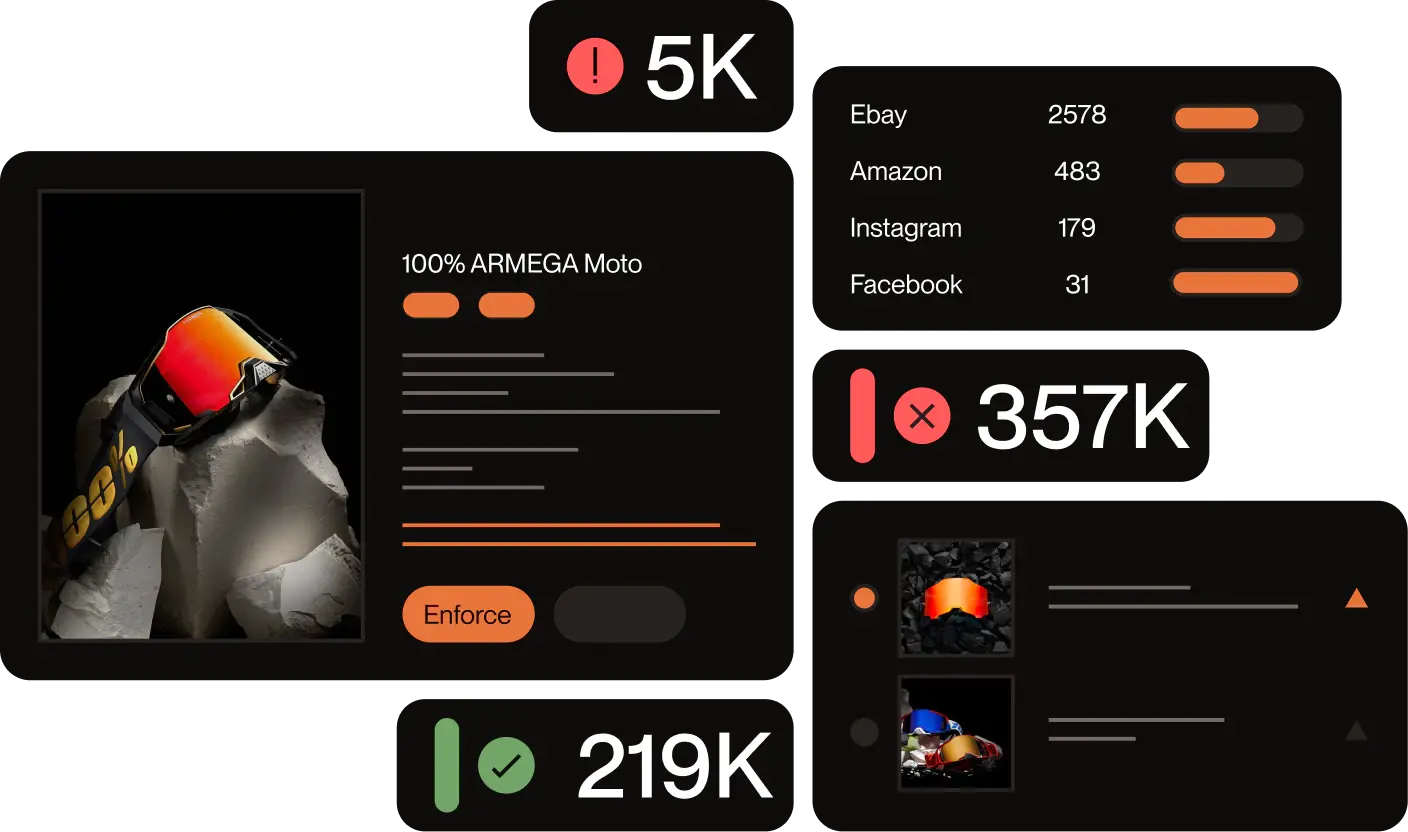
Our platform scans search engines, domain registries, social media, app stores, and other corners of the web around the clock, using image recognition, logo detection, and natural language processing to flag infringing sites before they can cause lasting damage to your brand. For a broader picture of how brand impersonation works and the full range of threats it covers, see our complete guide.
Cotopaxi: 14 fake websites overnight, $13.5M in fraudulent value stopped
Outdoor gear brand Cotopaxi first noticed the scale of the problem in the lead-up to Black Friday 2021, when more than 14 impersonation sites appeared overnight, each advertising discounts of up to 80%. The customer service team was quickly overwhelmed with complaints from shoppers who had placed orders and never received their goods. Stephan Jacob, Cotopaxi’s Founder and CGO, described the moment the brand knew it could no longer manage the threat manually: the volume, speed, and frequency of scam sites had grown faster than any internal process could handle.
Cotopaxi partnered with Red Points to shift from reactive damage control to proactive enforcement. By expanding keyword monitoring, layering price and stock-based automation, and using image recognition to flag recurring scam patterns across domains, the team moved from chasing individual fake sites to removing clusters of them in a single action. The results: 4,700+ infringements blocked during peak periods, 130+ hours of manual work saved in a single quarter, and over $13.5M in fraudulent value prevented across the lifetime of the partnership.
How the platform works
Red Points’ process operates in three stages. First, bot-powered scans continuously monitor the web for domains, pages, and content that match your registered IP, catching new fakes within hours of their appearance. Second, detected cases are surfaced for brand-owner validation, with similar incidents grouped together so that a single approval action covers multiple variants. Third, once you authorize enforcement, Red Points manages the entire takedown process end-to-end, from filing DMCA notices and abuse reports to escalating with registrars and hosting providers.
74% of takedowns are completed automatically, with our expert team handling escalations for the remaining cases.
This means your team does not need to monitor the web manually, chase individual domains, or navigate different enforcement processes across dozens of platforms.
Learn more about Red Points’ domain takedown service or explore our impersonation removal solution.

Frequently asked questions
What is a duplicate website?
A duplicate website is a site that copies the design, content, branding, or domain of an existing website, typically to deceive customers into thinking they are interacting with the real brand. Duplicate sites are used to sell counterfeit goods, collect personal data through phishing, or install malware on visitors’ devices.
What is website mirroring?
Website mirroring is the creation of an identical copy of a website on a separate server or domain. Legitimate mirroring is used for backup, CDN delivery, and geographic accessibility. Malicious mirroring replicates a brand’s site without authorization to commit fraud, phishing, or content theft.
How can I tell if my website has been copied?
Search for exact phrases from your site in Google using quotation marks. Run reverse image searches on your branded images. Use a plagiarism tool like Copyscape to check for duplicate text. Set up Google Alerts for your brand name and article titles. Monitor domain registries for lookalike domains using the ICANN lookup tool.
Why do scammers duplicate websites?
Scammers duplicate websites to sell counterfeit goods, harvest customer credentials through phishing, install malware, or steal brand traffic and SEO authority. In some cases, unscrupulous publishers also copy content simply to rank on search engines without creating original work.
How do I prevent my website from being cloned?
Register your trademark with the USPTO or your national IP office. Display copyright and trademark notices on every page. Set up Google Alerts and a plagiarism detection tool. Use hotlink protection and watermark branded images. Monitor domain registries for lookalike registrations. For brands dealing with high volumes of infringement, an automated brand protection platform provides the scale that manual monitoring cannot.
How do I report a duplicate website to Google?
Use the Google Legal Help Form to submit a copyright infringement report, or file a DMCA notice directly via Google’s copyright removal form. Include the URL of the infringing page, the URL of your original content, and evidence of ownership. After a valid submission, Google typically responds within two to three weeks.
How long does it take Google to remove a duplicate website from search results?
Google does not guarantee a removal timeline. A valid DMCA submission typically results in de-indexing within a few days to a few weeks, depending on case complexity and current processing volumes. Note that de-indexing from Google does not take the website offline, which requires a separate action with the hosting provider.
Can I take legal action against someone who copied my website?
Yes. Website content is automatically protected by copyright law in most jurisdictions. You can file a DMCA takedown notice, contact the hosting provider, or pursue civil litigation for damages under the DMCA or applicable copyright law. Formal copyright registration and trademark registration both strengthen your legal position if you decide to escalate.
What is the DMCA notice-and-takedown process?
The DMCA (Digital Millennium Copyright Act) allows copyright owners to notify an online service provider, such as a hosting company or Google, about infringing content. The provider must take the content down to maintain safe harbor protection from liability. A valid notice identifies the infringing URL, provides the URL of the original work, confirms copyright ownership, and includes a sworn statement that the information is accurate.
What tools detect duplicate websites automatically?
Automated platforms like Red Points continuously scan for duplicate domains, cloned pages, and copied content, using image recognition, trademark detection, and natural language processing to flag infringements in real time and initiate takedowns without requiring manual effort on your part.