A website has copied your product photos, videos, written content, designs, or other creative assets without permission. It may be reposting your content to steal traffic, sell fake products, mislead customers, or make the site look more credible than it is.
When this happens, the goal is not just to report the website. The goal is to get the infringing content removed, reduce its visibility, and stop the same material from appearing again under a new URL or domain.
This guide explains how to take down or report a website for copyright infringement, when copyright is the right enforcement route, what evidence you need, how to send a DMCA-style takedown notice, and what to do if the website owner, host, or platform does not respond.
If your issue is broader than copyright, you may need a different route. For example, if the site is impersonating your brand, read our guide to website spoofing. If the site is fraudulent, see how to report a fraud website. If the site is a fake storefront using your brand to scam customers, see how to take down a fake website.
TL;DR
- If copyright infringement appears across many sites, manual takedown requests can become too slow. Brands need ongoing monitoring, automated detection, and structured enforcement.
- You can take down a website for copyright infringement when it uses protected creative content without permission, such as photos, videos, written copy, graphics, artwork, software, or other original materials.
- A DMCA-style takedown notice is often the most direct route when the infringing content is hosted by a website, ecommerce platform, CMS, marketplace, or service provider.
- Reporting copyright infringement to Google can remove infringing URLs from Google Search results, but it usually does not remove the content from the original website.
- Strong evidence matters. Collect exact URLs, screenshots, source URLs, ownership proof, timestamps, and examples of copied material before filing.
- If a takedown request is ignored, escalate to the host, registrar, CDN, platform, search engines, or legal counsel depending on the case.
What counts as website copyright infringement?
Website copyright infringement happens when someone uses protected creative content from your website or brand without permission.
This can include:
- Product photography
- Lifestyle images
- Videos
- Blog articles
- Product descriptions
- Website copy
- Graphics
- Illustrations
- Manuals or guides
- Downloadable resources
- Software code
- Creative layouts or visual assets
- Marketing materials
- Original artwork or designs
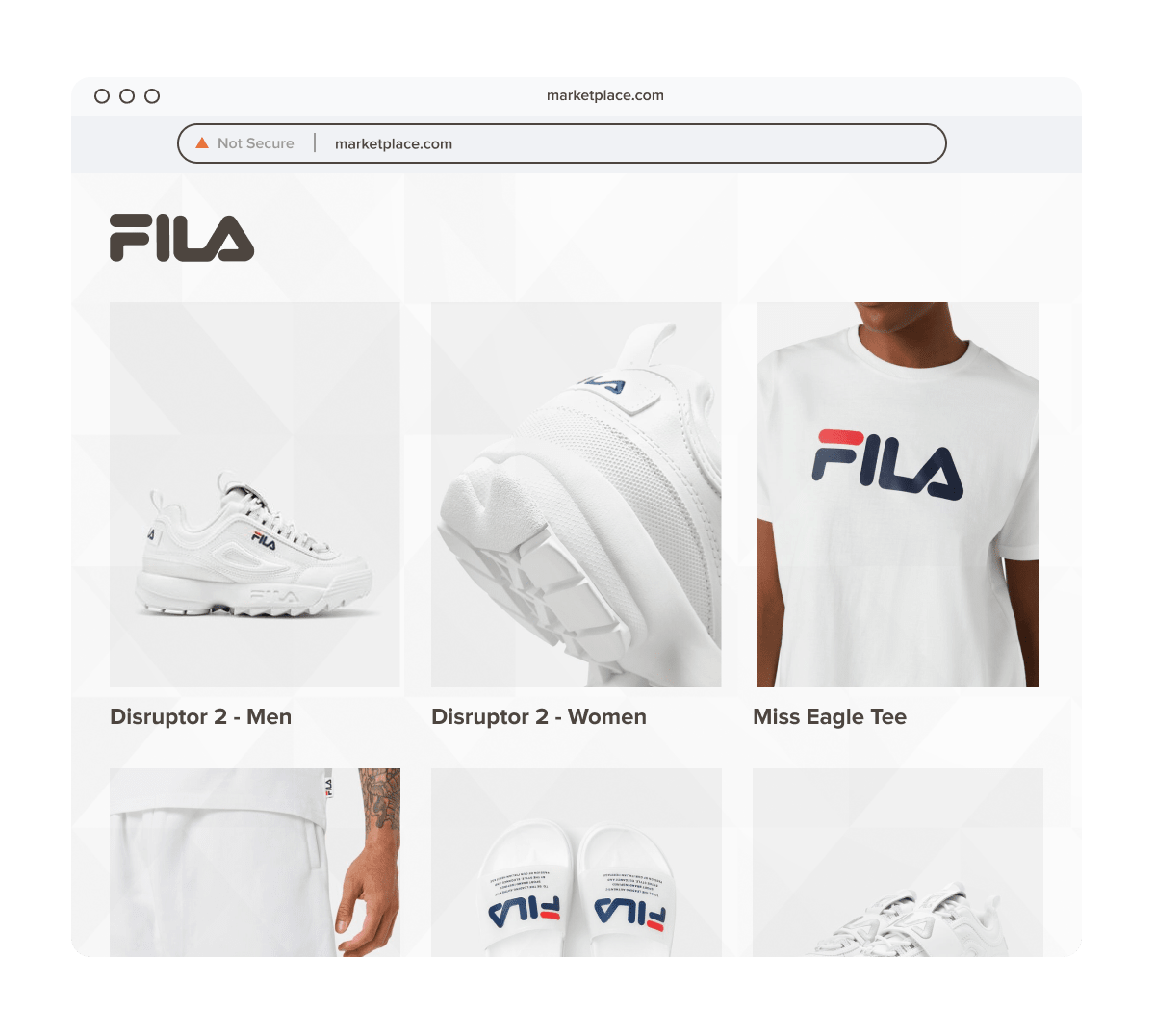
For brands, this often appears on fake stores, duplicate websites, reseller pages, scam landing pages, or competitor sites. A bad actor may copy your product images to make counterfeit listings look real. They may scrape your website copy to rank in search. They may clone an entire page to convince customers they are dealing with the official brand.
If the main issue is a copied version of your full website, you may also want to read our guides on website cloning and how to detect duplicate websites.
When copyright is the right takedown route
Copyright is the right route when the issue is unauthorized use of protected creative content.
Use a copyright-based takedown process when a website has copied:
- Your original product photos
- Your written content
- Your videos
- Your artwork or graphics
- Your software or code
- Your original product manuals
- Your creative marketing assets
- Your downloadable content
A copyright complaint is especially useful when the copied material is clearly visible and easy to compare with the original source.
For example, a fake ecommerce site copies your product images, product descriptions, and homepage banners. In this case, a copyright takedown request can be used to target the copied assets.
When copyright is not enough
Not every harmful website should be handled only through copyright.
Copyright may not fully cover:
- A lookalike domain using your brand name
- A site pretending to be your company
- A fake checkout collecting payments
- A phishing page stealing customer credentials
- A scam website selling fake products
- A site using your trademark but not your copyrighted content
- A defamatory page
- A privacy or personal data issue
In those cases, you may need a different or additional reporting route.
If the site is pretending to be your brand, use our guide to website spoofing. If it is a fraudulent site, use how to report a fraud website. If you need a broader legal process beyond copyright, read how to legally take down a website.
In many real cases, copyright is only one part of the enforcement strategy. A fake website may involve copyright infringement, trademark misuse, phishing, fraud, and domain abuse at the same time.
How to take down a website for copyright infringement
The process depends on where the infringing content is hosted, who controls the website, and whether the website owner responds.
Here is the practical workflow.
Step 1: Confirm what has been copied
Before sending a takedown request, identify exactly what copyrighted content has been used without permission.
Do not report the whole website without being specific. Takedown requests are stronger when they clearly explain what was copied and where it appears.
Create a simple list with:
- The infringing URL
- The original URL where your content appears
- The type of content copied
- The date you found it
- Notes on how the copied content is being used
For example:
“Infringing URL: example-fake-store.com/product-123. Original URL: officialbrand.com/product-123. The infringing page uses our original product photography and product description without authorization.”
This makes the case easier for hosts, platforms, and search engines to review.
Step 2: Collect evidence
Evidence is the foundation of a strong copyright takedown request.
Collect:
- Full URLs of the infringing pages
- Screenshots of each infringing page
- Screenshots showing the copied content clearly
- Screenshots of your original content
- Source URLs from your official site
- Publication dates if available
- Copyright registration details if available
- Internal files, drafts, or metadata showing ownership
- Examples of customer confusion or harm, if relevant
- Any ads, social posts, marketplace listings, or emails driving traffic to the copied content
For visual content, create a side-by-side comparison. Place your original image next to the copied version and mark the matching elements. This is especially useful for product photos, campaign images, artwork, and website screenshots.
If the infringing website is selling fake products or misleading customers, capture the checkout flow, contact page, terms page, and any trust badges or brand claims. Even if the copyright claim focuses on copied assets, this context can help reviewers understand the seriousness of the case.
Step 3: Identify who controls the website
To take down a website for copyright infringement, you need to know where to send the request.
The website owner may ignore you. The host, platform, CMS provider, CDN, registrar, or search engine may be more responsive.
Start by identifying:
- The website owner, if visible
- The hosting provider
- The CMS or ecommerce platform
- The domain registrar
- The CDN or proxy provider
- The search engines indexing the infringing pages
- Any social, ad, or marketplace channel sending traffic to the site
Use a WHOIS or ICANN lookup to find registrar information. Use IP lookup or hosting lookup tools to identify the host. If the site is behind a proxy or CDN, you may need to report to both the proxy provider and the underlying host if available.
Look for abuse contacts, legal contacts, copyright complaint forms, DMCA pages, or terms of service pages. Many providers have a dedicated form for copyright complaints.
Step 4: Send a DMCA-style takedown notice to the host or platform
A DMCA takedown notice is a formal copyright complaint asking a service provider to remove or disable access to infringing content.
This is often the most direct route when the copied content appears on a hosted website, ecommerce platform, marketplace, content platform, CMS, or other online service.
Your notice should include:
- Your name and contact information
- A statement that you are the copyright owner or authorized to act on behalf of the owner
- A clear description of the copyrighted work
- The original URL or source location of the copyrighted work
- The infringing URL where the copied content appears
- A statement that you have a good-faith belief the use is not authorized
- A statement that the information in the notice is accurate
- Your physical or electronic signature
Keep the notice direct and factual. Avoid emotional language, long background explanations, or broad claims that are not tied to specific URLs.
Step 5: Report the infringing pages to Google
If the infringing website appears in Google Search, submit a copyright removal request to Google.
This can help remove the infringing URLs from Google Search results. It does not usually remove the content from the original website, but it can reduce discoverability and limit traffic.
This is useful when:
- The copied content ranks in Google Search
- Customers find the fake or copied page through branded search
- The copied page competes with your original content
- The infringing page is still live while the host reviews your notice
- The site owner is ignoring you
When submitting a Google copyright removal request, include the same core information:
- The infringing URL
- The original source URL
- A description of the copyrighted work
- Your ownership or authorization statement
- Your contact information
- A clear explanation of the copied material
If you need a broader guide to reporting websites to Google, see how to report a site on Google.
Step 6: Report to the registrar or CDN if the host does not respond
If the host ignores the notice, or if the host is hidden behind another service, escalate.
Report to the domain registrar
The registrar may not host the copied content, but it manages the domain. Some registrars will review abuse complaints, especially when the website is part of a broader scam, phishing, impersonation, or counterfeit operation.
Registrar complaints are stronger when copyright infringement is combined with:
- Brand impersonation
- Fraud
- Counterfeit sales
- Phishing
- Fake customer support
- Typosquatting or lookalike domains
If your issue is primarily domain abuse rather than copied content, copyright may not be enough. In that case, read how to legally take down a website for broader escalation routes.
Report to the CDN or proxy provider
Some websites use CDN or proxy services to hide the underlying host.
A CDN provider may not be able to remove the original content, but it may disable services for abusive sites or forward your complaint to the host. Include your evidence and explain that the site is using copyrighted content without authorization.
Report to the CMS or ecommerce provider
If the website is built on a known CMS, ecommerce platform, or website builder, look for a copyright or abuse form.
This can be useful when the infringing website uses a platform that has its own terms of service, copyright policy, or abuse review team.
Step 7: Contact the website owner when appropriate
In some cases, the fastest path is to contact the site owner directly.
This may work when:
- The infringement appears accidental
- The website is legitimate but reused your content without permission
- You want the content removed without escalating immediately
- You are open to licensing or attribution
- The website owner is visible and reachable
However, direct contact is not always appropriate. If the site is fraudulent, impersonating your brand, collecting payments, or hiding its identity, it is often better to report it to the host, registrar, platform, and search engines rather than warn the operator.
For fake or scam websites, see how to take down a fake website.
What happens after a copyright takedown request?
After you submit a DMCA-style notice, several things can happen.
The provider may:
- Remove the infringing content
- Disable access to the specific page
- Suspend the website
- Ask for more information
- Reject the request
- Forward the notice to the site owner
- Allow the site owner to submit a counter-notice
- Take no action
If the content is removed, document the outcome. Save the date, the provider response, and screenshots showing the content is no longer available.
If the content stays live, review your notice. Make sure you submitted the exact URLs, explained what was copied, included proof of ownership, and sent the complaint to the right contact.
What if the website files a counter-notice?
A counter-notice is a response from the website owner or uploader claiming the content should not have been removed.
This can happen if they argue that:
- They own the content
- They had permission to use it
- The use is lawful
- The complaint was mistaken
- The material is not substantially similar
- The content is not protected by copyright
If you receive a counter-notice, the issue may move beyond a standard takedown process. At that point, speak with qualified legal counsel before taking further action.
Do not ignore counter-notices, especially if the content is high-value, commercially important, or part of a repeated infringement pattern.
What to do if your takedown request is ignored
If your takedown request is ignored, take a structured escalation approach.
1. Check the notice
Make sure your request includes all required information:
- Your contact details
- Your ownership or authorization statement
- The original content URL
- The infringing URL
- A clear description of the copied content
- Good-faith and accuracy statements
- Your signature
If anything is missing, send a corrected notice.
2. Send a follow-up
Reference your original complaint, include the date it was sent, and ask for confirmation that the provider has received it.
Keep the message short and specific.
3. Escalate to another intermediary
If the host does not respond, report the content to:
- The domain registrar
- The CDN or proxy provider
- The CMS or ecommerce platform
- Google Search
- Other search engines
- Social or ad platforms driving traffic to the site
The more touchpoints involved in the infringement, the more enforcement options you may have.
4. Send a cease and desist letter
If the website owner is identifiable, a cease and desist letter can add formal pressure.
This is different from a DMCA-style takedown notice. A DMCA-style notice is usually sent to a service provider asking them to remove or disable access to infringing content. A cease and desist letter is sent to the alleged infringer demanding that they stop the conduct.
Use legal counsel if the case is valuable, contested, or likely to escalate.
5. Consider legal action
If the infringement is serious, repeated, or commercially damaging, you may need legal advice on stronger remedies.
This can include court orders, injunctions, damages claims, or cross-border enforcement depending on the jurisdiction and the facts of the case.
How to prevent repeated copyright infringement
Taking down one website is important, but it does not stop the same content from being copied again.
Bad actors often reuse the same images, product descriptions, website templates, and landing pages across multiple domains. A copied product photo may appear on a fake store today, a marketplace listing tomorrow, and a social ad next week.
To reduce repeat infringement, brands should:
- Keep a central library of copyrighted assets
- Register important copyrighted works where appropriate
- Maintain records of original publication dates
- Use watermarks or metadata where useful
- Monitor search engines for copied content
- Monitor domains for lookalike sites
- Use reverse image search for product photos
- Track repeat infringers and connected domains
- Save enforcement history
- Build a workflow for fast evidence collection and reporting
If copied content appears across duplicate or cloned websites, use how to detect duplicate websites and website cloning as supporting resources.
Manual takedowns vs. scalable enforcement
Manual copyright takedowns can work when there are only a few infringing pages.
They become harder when:
- Multiple websites copy the same content
- New domains appear after takedown
- Fake stores reuse your product photos
- Search results keep surfacing copied pages
- Different teams submit reports without central tracking
- Providers ask for different evidence formats
- Infringers switch hosts or registrars
- The same content appears across websites, marketplaces, ads, and social media
At that point, the challenge is not knowing how to take down a website for copyright infringement. It is doing it repeatedly, quickly, and accurately across every channel where the copied content appears.
This is where automated monitoring and structured enforcement become important.
How Red Points helps take down websites for copyright infringement
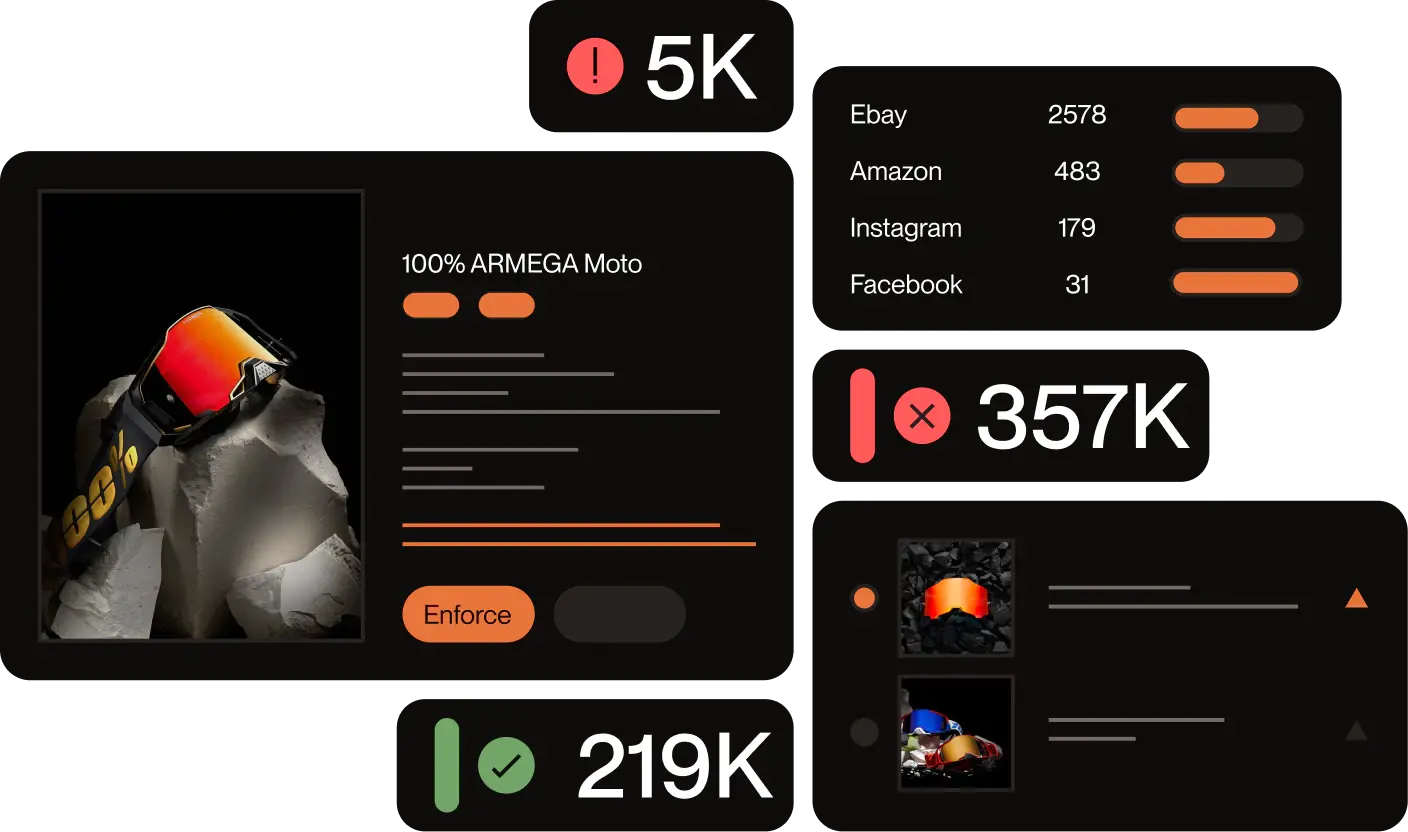
Red Points processes 4.6M+ enforcements per year, including copyright takedowns across websites, marketplaces, social media, and search engines.
Red Points helps brands detect, validate, report, and remove websites using copyrighted content without permission.
For copyright infringement on websites, Red Points can help teams:
- Detect copied product images, written content, and creative assets
- Identify infringing websites, fake stores, duplicate pages, and connected domains
- Collect evidence for takedown requests
- Validate whether content is unauthorized
- Submit enforcement requests to hosts, platforms, search engines, and other providers
- Track takedown outcomes
- Monitor for relaunches and repeat infringement
- Connect copyright abuse with broader brand abuse, including fake websites, ads, marketplaces, and social media profiles
The goal is not only to remove one infringing page. It is to reduce the time between detection and enforcement, and to stop repeated copyright abuse from becoming a constant manual workload.
For brands that want a managed approach, Red Points’ specialists handle detection and enforcement. Teams can validate cases where they choose to, without manually reviewing every potential infringement.
Request a demo to see how Red Points can help protect your copyrighted content online.
Frequently asked questions
How do I take down a website for copyright infringement?
To take down a website for copyright infringement, collect evidence of the copied content, identify the hosting provider or platform, and send a DMCA-style takedown notice with the original URL, infringing URL, ownership statement, good-faith statement, and signature. You can also report the infringing URLs to Google for removal from search results.
Can I take down an entire website for copyright infringement?
Sometimes, but not always. Many providers remove or disable access to specific infringing pages rather than the entire website. If the whole website is built around copied content, fake products, impersonation, or repeated abuse, stronger action may be possible through the host, registrar, platform, or legal escalation.
Does a Google copyright removal request remove the website?
No. A Google copyright removal request can remove infringing URLs from Google Search results, but it usually does not remove the content from the original website. To remove the source content, report it to the host, platform, CMS provider, or other service provider hosting the page.
What evidence do I need for a copyright takedown?
You need the exact infringing URL, the original source URL, screenshots, a description of the copied content, proof that you own or control the copyrighted work, and a statement that the use is unauthorized. For stronger cases, add publication dates, registration details, metadata, and side-by-side comparisons.
Do I need copyright registration to send a takedown request?
Copyright registration can strengthen your case, especially if the dispute escalates. However, many takedown processes allow rights owners to report unauthorized use of copyrighted content without registration, as long as they can show ownership or authorization. For legal action, speak with qualified counsel.
Where can I find a copyright report form?
For Google Search, the copyright removal form is available through Google’s legal troubleshooter. Select Google Search as the relevant product and choose the copyright removal option. For hosting providers, CDNs, ecommerce platforms, and other online services, look for the provider’s designated DMCA agent, abuse contact, or copyright complaint form. These are usually listed in its terms of service, copyright policy, or legal pages. The US Copyright Office also provides information about copyright registration and the applicable legal framework at copyright.gov.
What is the difference between copyright infringement and website spoofing?
Copyright infringement is the unauthorized use of protected creative content, such as images, copy, videos, or graphics. Website spoofing is when a fake website imitates a real brand or website to mislead users. A spoofed website may also commit copyright infringement if it copies protected assets.
What should I do if someone cloned my website?
If someone cloned your website, document the copied pages, identify the host and registrar, send copyright takedown notices for copied content, and report any fraud, phishing, or impersonation involved. For a more specific process, read our guides on website cloning and how to detect duplicate websites.
What if the infringing website is also selling fake products?
If the website is selling fake products, copyright may only be one part of the issue. You may also need to report trademark infringement, counterfeiting, fraud, and brand impersonation. In that case, read how to take down a fake website and how to report a fraud website.
How long does it take to take down a website for copyright infringement?
Timing depends on the provider, the quality of the evidence, the type of website, and whether the operator disputes the complaint. Some providers respond quickly to complete notices, while others may ask for more information or take longer to review.
What if my copyright takedown request is rejected?
If your request is rejected, review the reason carefully. You may need to provide clearer evidence, identify the copied material more specifically, prove ownership, or use a different enforcement route. If the case is high-value or disputed, speak with legal counsel before escalating.