

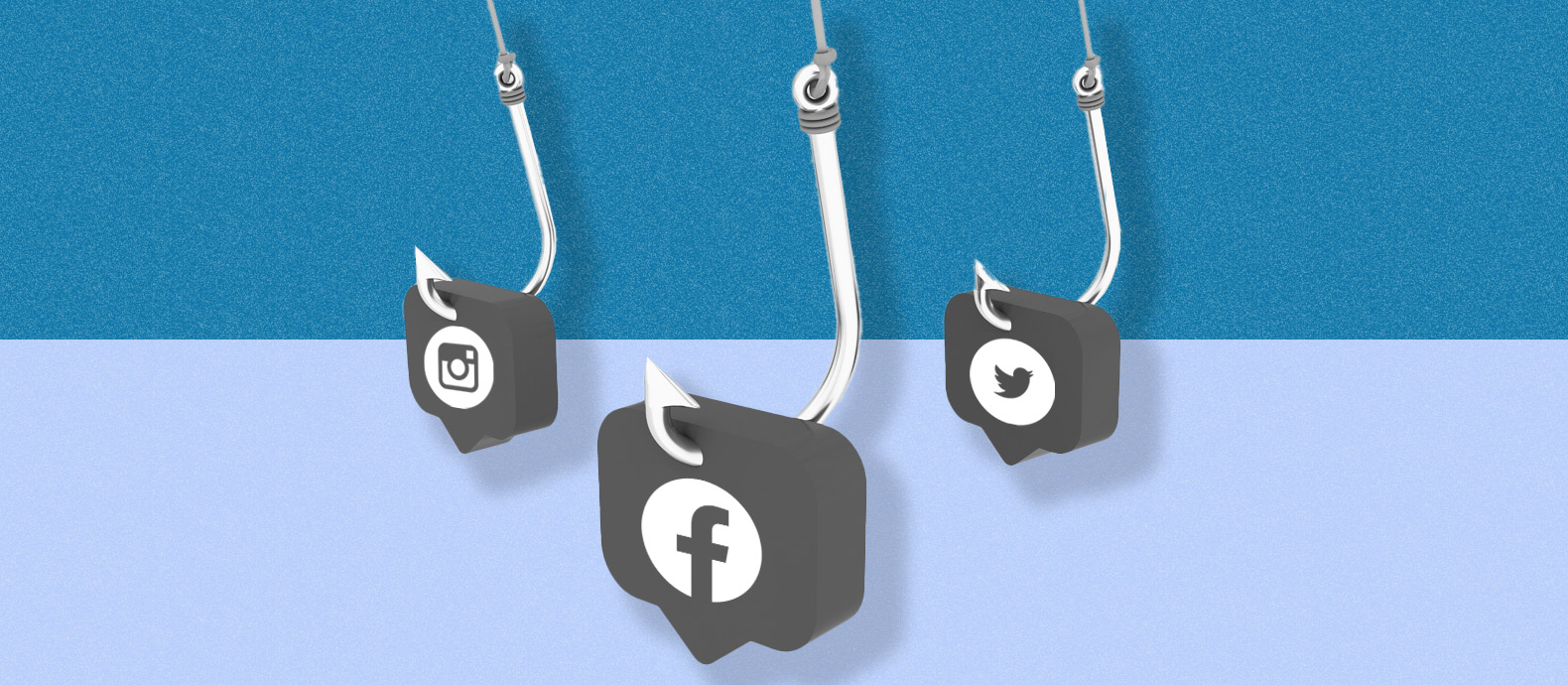
Social media is a core business channel. Brands use it to communicate with customers, launch products, provide support, recruit talent, build executive visibility, and direct users toward official websites and stores.
That visibility also means a brand’s identity can become part of a phishing campaign.
Social media phishing occurs when deceptive accounts, messages, advertisements, posts, or links are used to convince people to reveal sensitive information, make payments, share login credentials, or visit fraudulent websites. For businesses, the risk goes beyond an individual employee clicking the wrong link. Attackers may impersonate the company, its executives, customer-support teams, employees, or campaigns to make an approach appear legitimate.
A brand can therefore be affected even when none of its own systems have been breached.
Effective protection requires two parallel approaches: securing the people and accounts inside the organization, and monitoring for external abuse of the brand across social media and connected channels.
TL;DR
- Social media phishing uses deceptive profiles, messages, ads, posts, or links to convince users to share information, credentials, or payments.
- Brands can be used as the trusted identity behind a phishing campaign even when their own systems have not been compromised.
- Common threats include fake brand profiles, executive impersonation, customer-support impersonation, recruitment scams, malicious links, fake promotions, and compromised accounts.
- Security teams should protect official accounts with strong authentication, access controls, employee training, and clear internal verification procedures.
- Brand protection teams should monitor for impersonation, copied brand assets, fake support accounts, suspicious promotions, and links to phishing websites.
- Evidence should be collected before reporting, including URLs, screenshots, account handles, timestamps, messages, advertisements, and connected websites.
- Removing one account may not remove the full campaign. Brands should also investigate related domains, advertisements, profiles, and repeat activity.
- A coordinated process between security, legal, fraud, customer support, marketing, and brand protection teams helps reduce response time when phishing is detected.
What is social media phishing?
Social media phishing is the use of deceptive social content or identities to persuade a person to disclose information, provide credentials, send money, or take another action that benefits the attacker.
It is one part of the wider category of phishing scams, but the social environment changes how the attack works.
Social platforms allow businesses, employees, customers, partners, creators, and executives to interact publicly. Those interactions can provide context that makes a phishing approach more convincing.
For example, a deceptive profile could copy a brand’s visual identity and approach customers who are publicly asking for support. A profile impersonating an executive could contact employees or partners. A fake recruitment account could approach job candidates using publicly available company information.
The company itself may have no involvement in the attack. Its identity is being used as the trust signal.
That makes social media phishing both a cybersecurity issue and a social media impersonation problem.
9 types of social media phishing, with examples brands should monitor
Social media phishing can take several forms. Brands should monitor these patterns because attackers can change the delivery method while continuing to use the same business identity.
1. Fake brand profiles
A fake brand profile copies identifying elements associated with a business.
This may include:
- Brand names
- Logos
- Product photographs
- Marketing images
- Company descriptions
- Website copy
- Campaign creative
- Employee information
The profile may then contact customers, publish deceptive offers, direct users to another website, or attempt to collect information.
For brand protection teams, the important signal is not simply that another account mentions the company. Legitimate distributors, partners, fans, employees, and customers may all refer to a brand.
The issue is whether the account is designed to create misleading expectations about identity, affiliation, or authorization.
Example: An account copies a fashion brand’s name and logo and DMs customers with a ‘VIP sale’ linking to a credential-harvesting site.
Where that threshold is met, brands should document the profile and use the appropriate reporting route. The broader social media takedown process explains how brands can collect evidence and escalate social media abuse.
For channel-specific workflows, Red Points also has guides covering Instagram impersonation reporting, Facebook fraud reporting, X impersonation reporting, TikTok account reporting, and LinkedIn scam reporting.
2. Fake customer-support accounts
Customer support is a particularly sensitive impersonation target because users contacting support are already expecting a conversation with the company.
A deceptive account may monitor public posts where customers mention a problem and then reply as though it represents the business.
The account might ask the customer to:
- Continue the conversation privately
- Visit another webpage
- Confirm login information
- Share an authentication code
- Provide personal details
- Complete a payment
Example: A customer posts publicly about an order problem and receives a reply from a lookalike support account asking them to ‘verify’ their login.
Brands can reduce this risk by clearly communicating which support channels they use and how official support representatives communicate.
Customer-facing teams should also have a way to escalate suspected impersonation quickly when customers report an unfamiliar support account.
3. Executive impersonation
Senior executives have public authority that can make an impersonated request appear credible.
A deceptive account might use an executive’s name and photograph, then contact employees, suppliers, partners, investors, or other stakeholders.
The request may involve sensitive information, financial action, account access, or an urgent business decision.
Example: An account using the CEO’s photo contacts a finance employee and asks them to urgently review a payment through an external link.
The potential impact extends beyond social platforms. FBI data on Business Email Compromise shows the financial scale of scams that exploit trusted business identities and authority, with more than $55 billion in exposed losses reported globally from October 2013 through December 2023.
Businesses should create clear internal verification rules for unusual requests involving senior leadership, particularly where payments, confidential information, credentials, or changes to normal processes are involved.
The external side of the problem also needs attention. Monitoring for executive impersonation can help teams identify fake profiles before they develop a significant network of contacts.
4. Recruitment phishing
Recruitment involves frequent communication between people who may never have interacted before, which can make identity verification especially important.
A phishing campaign may copy:
- A company’s name
- Recruitment branding
- Employee names
- Job descriptions
- Careers-page content
- Interview processes
Candidates may then be directed toward unofficial forms, websites, communications, or payment requests.
For employers, recruitment phishing can affect both security and employer reputation.
Example: A fake recruiter approaches a candidate about a real vacancy, then directs them to a cloned careers portal that collects personal information.
Human resources teams should publish clear guidance explaining how candidates are contacted, where vacancies are listed, what domains recruiters use, and whether payments are ever required during recruitment.
Monitoring should also cover fake recruiter profiles and websites that reproduce genuine job listings.
5. Phishing links in messages and posts
A social profile does not always need to impersonate the brand completely.
Instead, a message or post can use brand-related language to encourage someone to visit an external page.
The destination may be a phishing site designed to collect credentials, payment information, or other data.
Example: A post promoting an apparent account-security alert directs users to a login page designed to capture their credentials.
Brands investigating this type of campaign should preserve both sides of the incident:
- The social content distributing the link.
- The website or domain receiving the traffic.
Reporting only the social account may leave the destination website accessible through other channels.
Likewise, removing the website does not prevent an active profile from redirecting users to a new domain.
6. Lookalike domains distributed through social media
A phishing campaign may use a domain designed to resemble the company’s official web address. Small spelling changes, additional words, unusual subdomains, or visually similar characters can make a link appear familiar at a glance.
This is closely related to typosquatting. From a brand-protection perspective, social monitoring and domain monitoring should work together.
Example: A social account links to brand-support-example.com instead of the company’s official domain.
When a suspicious account is detected, check where its links lead. When a suspicious domain is found, search for social accounts, advertisements, posts, or profiles promoting it.
The connection between the two can reveal a larger campaign.
7. Fake promotions and giveaways
Promotions naturally encourage users to act quickly, click through, enter information, or share content. A deceptive campaign may imitate the visual language of a genuine promotion while directing customers toward an unrelated destination.
Warning signs for a brand team can include:
- Promotions that do not appear in the official marketing calendar
- Copied campaign artwork
- Incorrect landing-page domains
- Unfamiliar accounts presenting themselves as official
- Requests for information outside the normal promotion process
- Offers that cannot be verified through official channels
Example: A copied campaign creative advertises an exclusive giveaway and sends entrants to an unofficial form requesting payment details.
Marketing and brand-protection teams should have a direct escalation route so suspicious campaigns can be checked against genuine promotions quickly.
8. Compromised employee, business, or creator accounts
Not every phishing campaign begins with a newly created account. An existing account can also be misused if access is compromised.
This can make the activity harder for customers or employees to identify because the profile itself may be legitimate.
Businesses should therefore monitor for unusual behavior on official accounts as well as external impersonation. Security controls should include strong authentication, access management, recovery procedures, and a clear incident-response process if an account is compromised.
Brand teams should also be prepared for the external consequences. If misleading posts or links were distributed before control was restored, customers may need guidance on which communications were affected.
Example: A creator receives what appears to be a legitimate sponsorship request from a brand. The “campaign materials” contain malicious software that gives the attacker access to the creator’s account. Once compromised, the account can be used to promote fraudulent offers to an audience that already trusts the creator.
For brands working with creators, this creates a two-sided risk: attackers may impersonate the brand to target influencers, or compromise a creator account and use the existing brand relationship to make a fraudulent campaign appear credible.
9. AI-assisted impersonation and social engineering
Generative AI can reduce the effort required to produce convincing text, images, voice content, and other material at scale. For businesses, this means phishing campaigns may be easier to personalize.
Attackers can potentially create messages that reference an employee’s role, imitate a company’s communication style, or build convincing assets around a specific executive or campaign.
The threat is already visible in current security research. Microsoft Threat Intelligence reported in June 2026 that threat actors were using the branding of popular AI products as social-engineering lures, including campaigns designed to collect credentials, access tokens, and payment information.
Example: An attacker generates a realistic executive voice message and pairs it with a social message asking an employee to complete an urgent action.
AI-generated content does not change the basic response principles.
Brands still need to verify:
- Who controls the account
- Whether the communication is authorized
- Where its links lead
- Which brand assets are being used
- Which customers or employees may have been exposed
- Whether connected accounts or domains exist
The growing availability of synthetic media also makes internal verification processes increasingly important.
How to prevent social media phishing against your business
Businesses cannot prevent every deceptive account or message from being created.
They can, however, make attacks harder to execute, detect them earlier, and reduce the time they remain visible.
A complete strategy should cover both internal cybersecurity controls and external brand monitoring.
Step 1: Secure official social media accounts
Start with the accounts the business controls.
Access should be limited to people who genuinely need it.
Useful controls include:
- Multi-factor authentication
- Unique credentials
- Role-based permissions
- Centralized credential management
- Regular access reviews
- Removal of access when roles change
- Secure account-recovery procedures
- Monitoring of unusual login activity
Brands should also maintain an up-to-date inventory of official accounts.
Without one, it can become difficult for support, security, and brand teams to determine quickly whether a newly discovered profile is authorized.
Step 2: Establish internal verification procedures
Phishing often uses urgency.
A message might appear to come from an executive, supplier, colleague, recruiter, or business partner and request immediate action.
Businesses should define situations where employees must verify requests through a second channel.
This is especially important for:
- Payments
- Changes to bank details
- Password resets
- Authentication codes
- Sensitive documents
- Customer information
- Administrator access
- Changes to account ownership
- Confidential business information
Employees should know that verification is a normal security procedure rather than an obstacle to doing their work.
Step 3: Train teams around business-specific phishing risks
Generic phishing training is useful, but employees also need examples that reflect how their organization actually operates.
A marketing team may encounter fake brand accounts.
Customer support may see impersonation reports.
Finance teams may receive payment requests.
Recruitment teams may encounter fake recruiters.
Executives may be impersonated publicly.
Social media managers may receive messages claiming an account requires urgent verification.
Training becomes more useful when employees understand the scenarios most relevant to their role.
Step 4: Tell customers how your brand communicates
Clear communication can reduce ambiguity.
Publish guidance explaining:
- Which social accounts are official
- Where customers should contact support
- Which websites and domains belong to the business
- How competitions or promotions are announced
- What information support teams will or will not request
- Where suspicious activity can be reported
Customers should not need specialist knowledge to determine which channel is genuine.
Consistency across websites, social profiles, support pages, and customer communications makes verification easier.
Step 5: Monitor for brand impersonation
Internal controls do not detect external profiles created by someone else.
Businesses should monitor for variations of:
- Brand names
- Executive names
- Product names
- Customer-support terminology
- Logos
- Product images
- Campaign creative
- Recruitment language
- Common misspellings
- Account handles that appear similar to official ones
Monitoring should focus on activity likely to cause customer confusion or support a phishing campaign, while filtering out ordinary brand references.
Step 6: Check connected websites and domains
Social phishing frequently moves users from one channel to another.
A suspicious social profile may link to:
- A lookalike website
- A fake login page
- An unauthorized store
- A fraudulent support page
- A form requesting personal information
- Another social account
- A redirect chain
Investigators should record those connections.
If the destination is a phishing site, the brand may need to pursue both social reporting and phishing-site reporting.
Treating each URL or account as an isolated incident can hide the relationship between them.
Step 7: Capture evidence before reporting
Suspicious content can change or disappear.
Before submitting an enforcement request, preserve enough information to reconstruct what happened.
Useful evidence can include:
- Profile URL
- Account handle
- Post or advertisement URL
- Screenshots
- Date and time
- Messages
- Brand assets being copied
- Destination URLs
- Redirects
- Contact information
- Customer reports
- Payment instructions
- Related accounts
- Related domains
For brands, a consistent evidence format also makes it easier for multiple teams to work on the same case.
Step 8: Use the right reporting route
The appropriate report depends on what the account or content is doing.
A case may involve:
- Impersonation
- Phishing
- Trademark misuse
- Copyright infringement
- Fraudulent advertising
- A compromised account
- Another platform-policy issue
Selecting the route that best matches the behavior can make the report clearer.
Each platform provides reporting processes suited to different types of abuse, so matching the evidence and issue to the appropriate route helps the review process work as intended.
Step 9: Monitor for recurrence
A removed account does not necessarily mean the campaign has ended.
The same operator may return using:
- A different username
- A new profile
- Another domain
- Different creative
- A slightly changed brand name
- Another contact method
- A new advertisement
Record recurring characteristics so future incidents can be connected.
Over time, this turns phishing response from isolated takedowns into a more intelligence-led process.
How should brands respond to an active social media phishing campaign?
When a campaign is already active, speed matters, but the response should still be structured.
1. Confirm the activity
Determine what is happening before taking action.
Identify whether the case involves a fake account, compromised account, deceptive advertisement, phishing link, executive impersonation, customer-support impersonation, or another issue.
2. Preserve the evidence
Capture the account, content, URLs, timestamps, messages, and destination pages before reporting.
If the content changes later, the team still has a record.
3. Identify affected audiences
Establish whether the campaign is targeting:
- Customers
- Employees
- Job candidates
- Partners
- Suppliers
- Investors
- Executives
- The general public
This determines which internal teams need to be involved.
4. Secure internal assets where necessary
If there is any indication that an official account or employee credential may have been compromised, follow the company’s security incident-response procedure immediately.
External brand enforcement should complement internal security action, not replace it.
5. Report the social asset
Use the reporting route that best matches the issue and provide concise evidence.
For a broader explanation of brand-related reporting and enforcement, see the social media takedown guide.
6. Investigate connected infrastructure
Do not stop at the profile.
Check for related:
- Websites
- Domains
- Advertisements
- Accounts
- Phone numbers
- Email addresses
- Payment destinations
- Reused creative
A single phishing profile may be the visible entry point into a larger campaign.
7. Communicate when appropriate
If customers or employees have been exposed, consider whether an official notice will help them identify the deceptive communication and find the legitimate channel.
Keep communications factual and specific.
Explain what the organization has observed, which official channel customers should use, and what actions they should take if they interacted with the fraudulent content.
8. Continue monitoring
Watch for relaunches after the original content is removed.
Repeated use of similar usernames, images, domains, or messages may indicate the same campaign is continuing under a different identity.
Who should own social media phishing inside a business?
Social media phishing usually requires shared ownership. Security should lead on compromised accounts, credentials, and internal incident response; Brand Protection or Legal should handle external impersonation and enforcement; and Marketing, Customer Support, or HR should validate genuine campaigns, support accounts, and recruitment activity when relevant.
The important part is having a predefined workflow: who validates the incident, who secures internal assets, who submits external reports, who communicates with affected audiences, and who monitors for recurrence.
How to measure a social media phishing protection program
Counting takedowns alone provides only part of the picture.
Brands can also track:
- Number of phishing-related impersonation cases detected
- Time between detection and validation
- Time between validation and reporting
- Percentage of cases linked to another account or domain
- Repeat incidents using the same assets
- Number of customer reports received
- Number of fake support profiles discovered
- Executive impersonation incidents
- Recruitment phishing cases
- Relaunch rate after enforcement
- Most frequently targeted products or business units
These measurements can help teams identify where attackers concentrate their activity and whether the response process is improving.
What should brands do next?
Social media phishing is more than an employee-awareness problem. Many campaigns run entirely outside the company’s own systems, using the brand as bait.
Training employees is important, but a deceptive profile can also copy a logo, approach customers, advertise an unauthorized promotion, or redirect users to a fake website without ever gaining access to the company’s systems.
Brands therefore need visibility on both sides.
Inside the organization, protect accounts, employees, and business processes.
Outside the organization, monitor for impersonation, suspicious social content, connected websites, and recurring campaigns using the brand as a trust signal.
When those two sides share information, businesses can identify phishing earlier and respond more consistently.
How Red Points helps brands address social media phishing
Social media phishing can move quickly between profiles, advertisements, websites, domains, and other digital channels.
Red Points’ Impersonation Removal helps brands detect and enforce against external impersonation threats that misuse their identity online.
For social media specifically, Red Points’ Social Media Protection helps brand protection teams monitor and respond to abusive profiles and content at scale.
Red Points can support brands by:
- Detecting suspicious social profiles and content using brand names and assets
- Identifying impersonation of businesses and executives
- Monitoring for fake customer-support profiles
- Finding connected threats across social media and websites
- Capturing evidence for validation and reporting
- Submitting and tracking enforcement actions
- Connecting recurring abuse across multiple incidents
- Monitoring for relaunches after removal
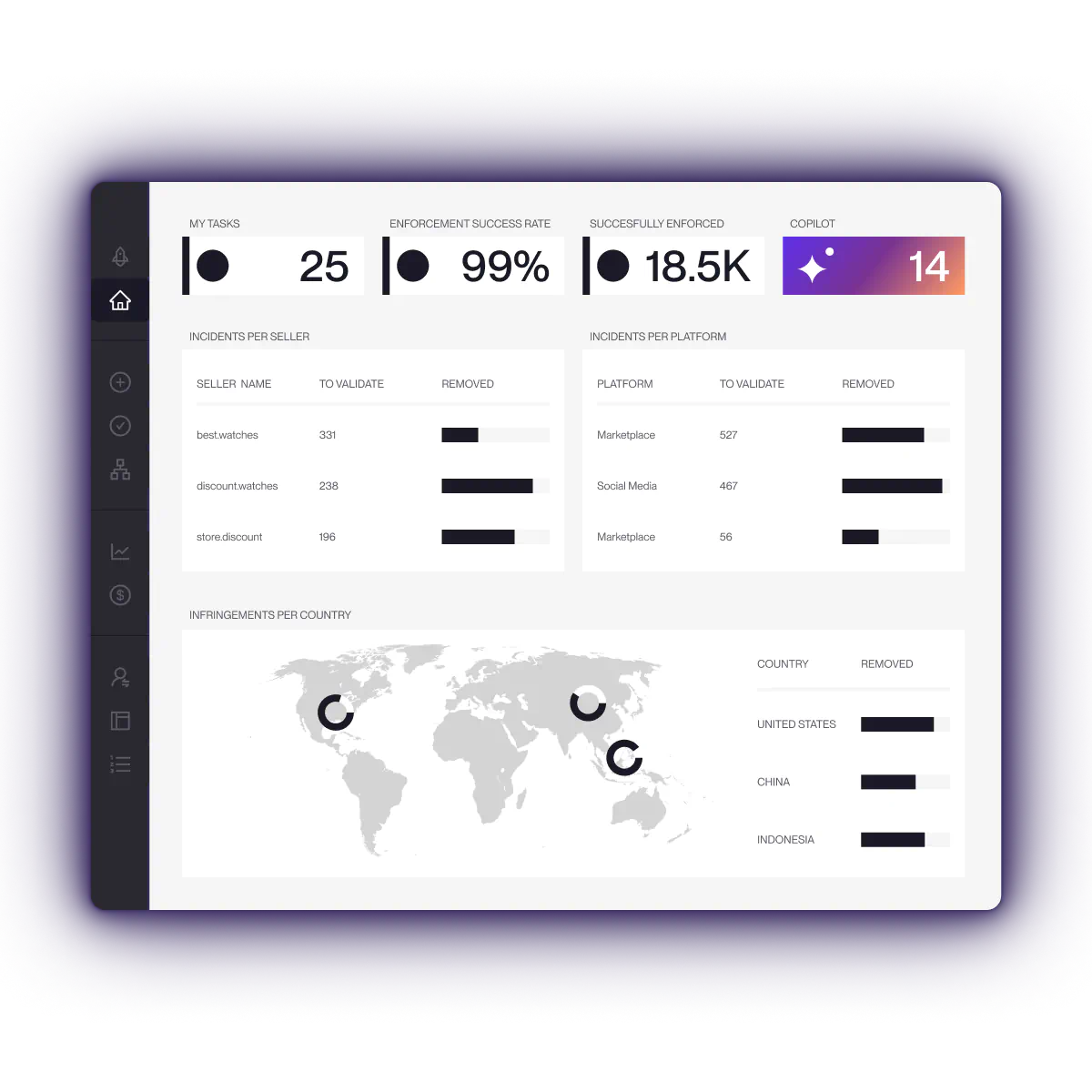
- Giving teams centralized visibility over enforcement activity
Red Points processes more than 5.1 million enforcements per year across piracy, websites, marketplaces, social media, search engines, and other digital channels.
Automation does not require teams to give up oversight. Brands can maintain control over validation and enforcement decisions while using technology and specialist support to reduce the amount of repetitive manual monitoring required.
Request a demo to see how Red Points can help your team detect and respond to social media impersonation and connected phishing threats at scale
Frequently asked questions
What is social media phishing?
Social media phishing is the use of deceptive profiles, messages, posts, advertisements, or links to convince someone to reveal sensitive information, provide login credentials, make a payment, or take another action.
For brands, phishing may also involve unauthorized use of company names, executives, logos, customer-support identities, or campaigns to make the approach appear trustworthy.
How does social media phishing affect businesses?
Social media phishing can expose employees and customers to fraud, redirect users away from official channels, create customer confusion, increase support workload, compromise accounts, and affect trust in the brand.
Businesses can also be affected when their identity is used in a phishing campaign even if their own systems remain secure.
What are some social media phishing examples?
Examples include a fake support account replying to customers and asking for login details, an executive impersonation account requesting a payment or confidential document, a fake recruiter directing candidates to an unofficial application form, a fraudulent promotion sending customers to a lookalike website, or a deceptive profile distributing links to credential-harvesting pages.
The common feature is that the attacker uses social content, identity, or context to make the interaction appear trustworthy.
What are the most common social media phishing threats for brands?
Common threats include fake brand accounts, customer-support impersonation, executive impersonation, fake recruiter accounts, fraudulent promotions, phishing links, lookalike websites, compromised accounts, and AI-assisted impersonation.
The exact pattern varies by organization and industry.
Is social media phishing the same as brand impersonation?
Not exactly.
Brand impersonation involves someone presenting themselves as, or creating confusion with, a legitimate brand.
Social media phishing involves using deception to persuade a target to provide information, credentials, money, or another valuable action.
The two often overlap because impersonating a recognizable business can make a phishing message appear more credible.
How can brands detect social media phishing?
Brands can monitor social networks for suspicious profiles, copied logos, executive names, customer-support terminology, campaign creative, product images, unusual promotions, and links to unfamiliar domains.
Cases should then be validated to distinguish legitimate brand references from impersonation or phishing activity.
What should a brand do when it finds a fake social media account?
First collect the profile URL, handle, screenshots, timestamps, messages, linked websites, and any other relevant evidence.
Then identify the appropriate reporting route based on the behavior involved.
If the account links to a phishing website or another fraudulent asset, investigate and report those connected elements as well.
Should phishing profiles and phishing websites be reported separately?
Usually, yes.
A social profile and its destination website are separate assets and may need to be handled through different reporting channels.
Removing the social profile does not necessarily remove the website, while removing the website does not prevent the profile from directing users somewhere else.
See the guide to reporting phishing sites for website-specific reporting options.
How can brands protect employees from social media phishing?
Use strong authentication, role-based social account access, internal verification procedures, role-specific phishing training, clear escalation channels, and secure account-recovery processes.
Employees should also know how to verify unusual requests involving payments, credentials, confidential data, or senior executives.
How can brands protect customers from fake support accounts?
Publish clear information about your official support channels and explain how genuine representatives communicate.
Monitor for profiles copying customer-support branding and give support teams a fast way to escalate suspicious accounts reported by customers.
Can executive impersonation be used for phishing?
Yes.
A fake executive profile can be used to contact employees, partners, suppliers, customers, or other stakeholders and make a request appear authoritative.
Businesses should combine internal verification processes with external monitoring for executive impersonation.
Can social media phishing involve a fake website?
Yes.
Social content can act as the distribution channel while a fake or lookalike website collects the user’s information.
Brands should investigate both the social asset and the destination domain and use the appropriate reporting routes for each.
How can brands stop repeat social media phishing campaigns?
Track the characteristics shared by incidents rather than treating every profile independently.
Useful indicators include usernames, copied images, linked domains, contact details, campaign wording, redirects, payment methods, and other recurring infrastructure.
Continuous monitoring after enforcement can help identify relaunches more quickly.
Can Red Points help brands with social media phishing?
Yes. Red Points helps brands detect and enforce against external impersonation threats across social media and connected digital channels.
Its social media and impersonation capabilities can support monitoring, validation, evidence collection, enforcement, and recurrence tracking when phishing campaigns misuse a company’s brand, executives, or customer-facing identity.